Run multiple frameworks in one project with Vercel Services
Mirrored from Vercel — AI for archival readability. Support the source by reading on the original site.
You can now deploy multiple frontends and backends together within a single Vercel project.
Vercel Services is now available, allowing you to deploy full stack apps with multiple frameworks on a shared domain, where services talk to each other privately and deployments build, preview, and roll back together.
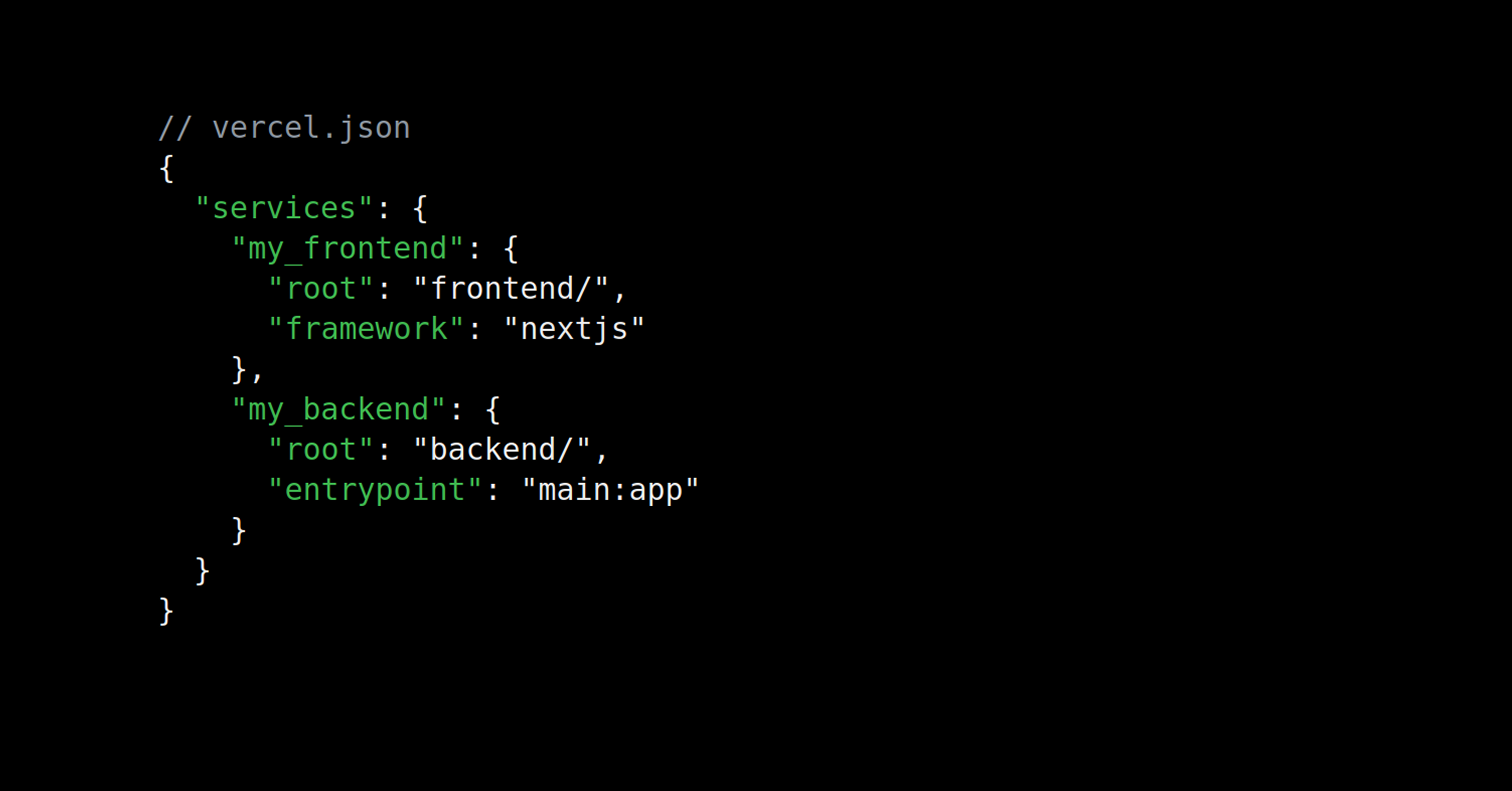
Services are defined in vercel.json:
{ "services": { "my_frontend": { "root": "frontend/", "framework": "nextjs" }, "my_backend": { "root": "backend/", "entrypoint": "main:app" } }, // my_backend has no public route // it is only reachable from my_frontend internally "rewrites": [ { "source": "/(.*)", "destination": { "service": "my_frontend" } } ]}Vercel handles routing, builds, and environment variables automatically.
From there, your services show up across the dashboard and CLI:
The Deployments panel visualizes the services graph
The Logs UI filters by individual service
vercel devruns every service locally for a production-like environment


Link to headingService bindings
Services talk to each other internally with the new bindings key, without routing through the public internet:
{ "services": { "my_frontend": { "root": "frontend/", "framework": "nextjs", "bindings": [ { "type": "service", "service": "my_backend", "format": "url", "env": "BACKEND_INTERNAL_URL" } ] }, "my_backend": { ... } }, "rewrites": [ ... ]}The binding exposes my_backend to my_frontend as an environment variable.
The frontend reaches the backend privately through the URL in BACKEND_INTERNAL_URL:
export async function GET() { const url = new URL("/users", process.env.BACKEND_INTERNAL_URL); const res = await fetch(url); const users = await res.json(); return Response.json(users);}The route fetches from my_backend using that variable and returns the response.
Link to headingFramework-defined infrastructure
Most frameworks run with zero configuration. Framework-defined infrastructure means each service's framework is auto-detected and auto-provisioned, from FastAPI and Flask to Express and Hono, with first-class support for Go and Rust. Services run on Fluid compute with Active CPU pricing, so you only pay for the time your code is actually running.
Read the documentation to get started.
Discussion (0)
Sign in to join the discussion. Free account, 30 seconds — email code or GitHub.
Sign in →No comments yet. Sign in and be the first to say something.