Apple HomeView
Mirrored from Hacker News — AI on Front Page for archival readability. Support the source by reading on the original site.
Welcome, Apple HomeView
Available starting 11.13November 13

- Apple HomeView
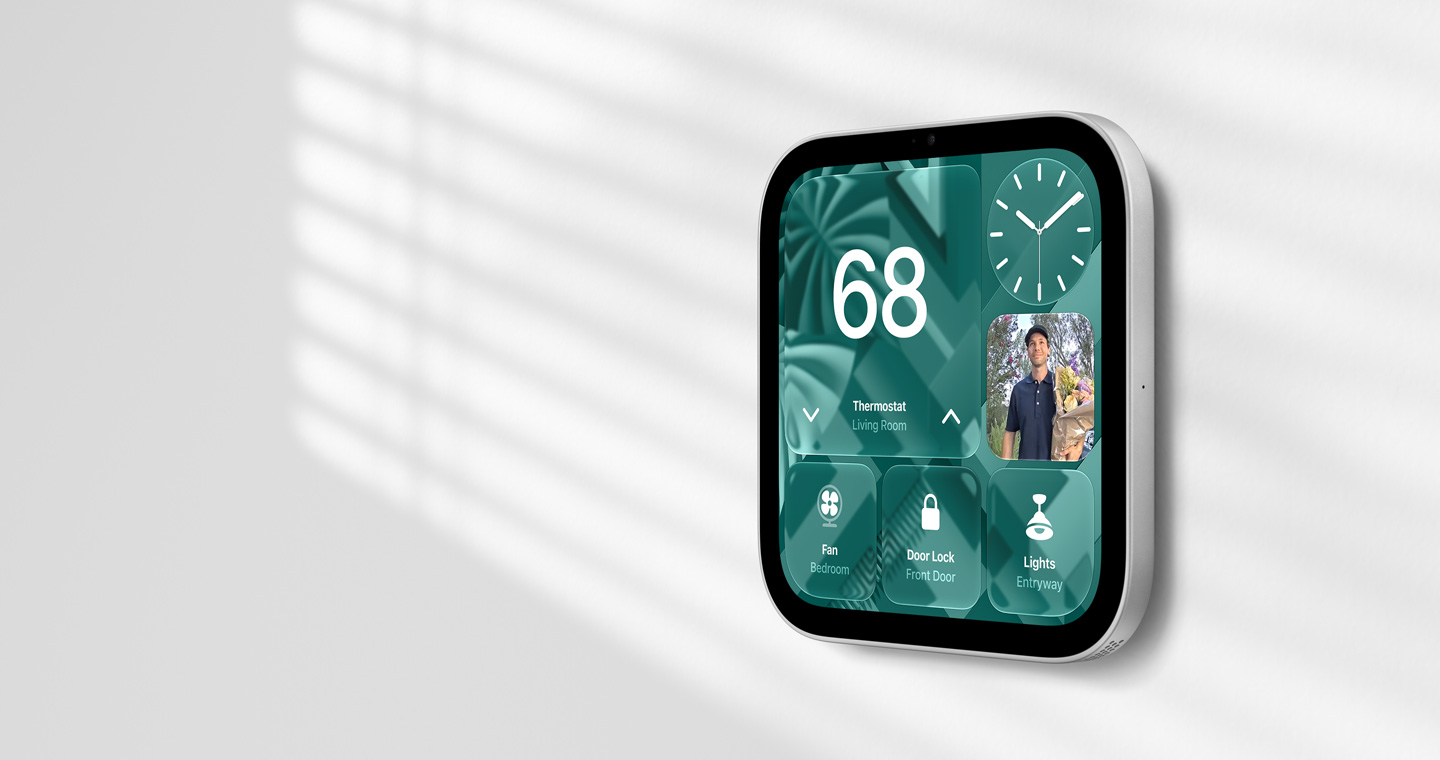
- Apple HomeView (Wall Mounted)
-
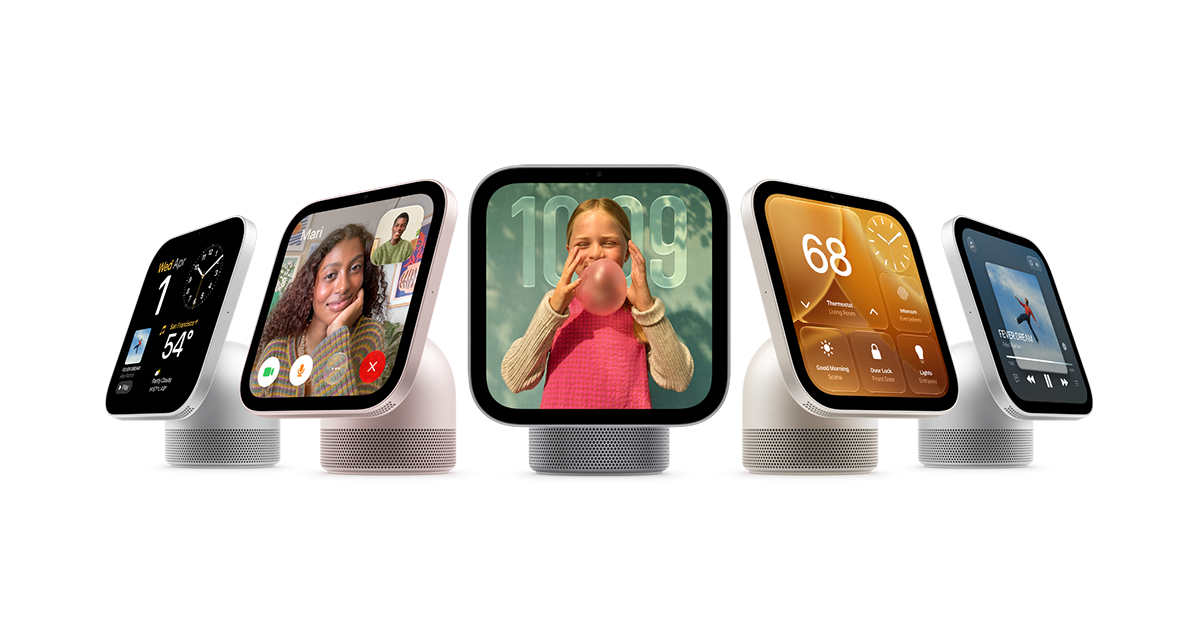
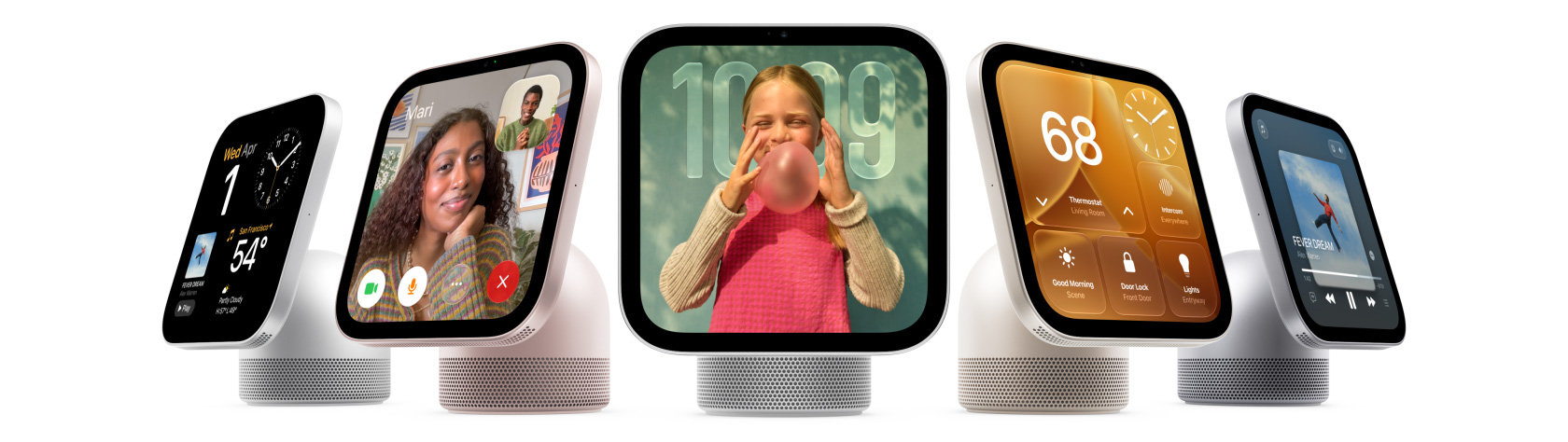
Apple HomeView keeps the whole home connected, entertained, and in the know. All in one place. Private for all.
-
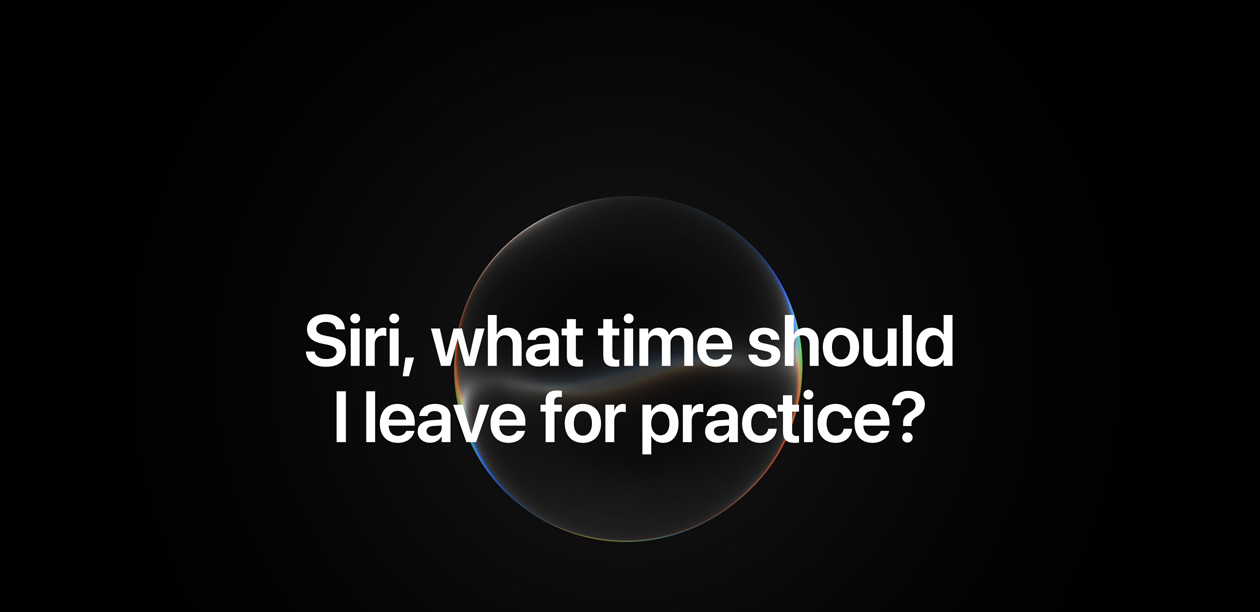
Siri AI. A personal assistant that helps you find what you need and get more done.1
Available in English to start.
Usage limits may apply.Available in English to start.
Usage limits may apply.

-
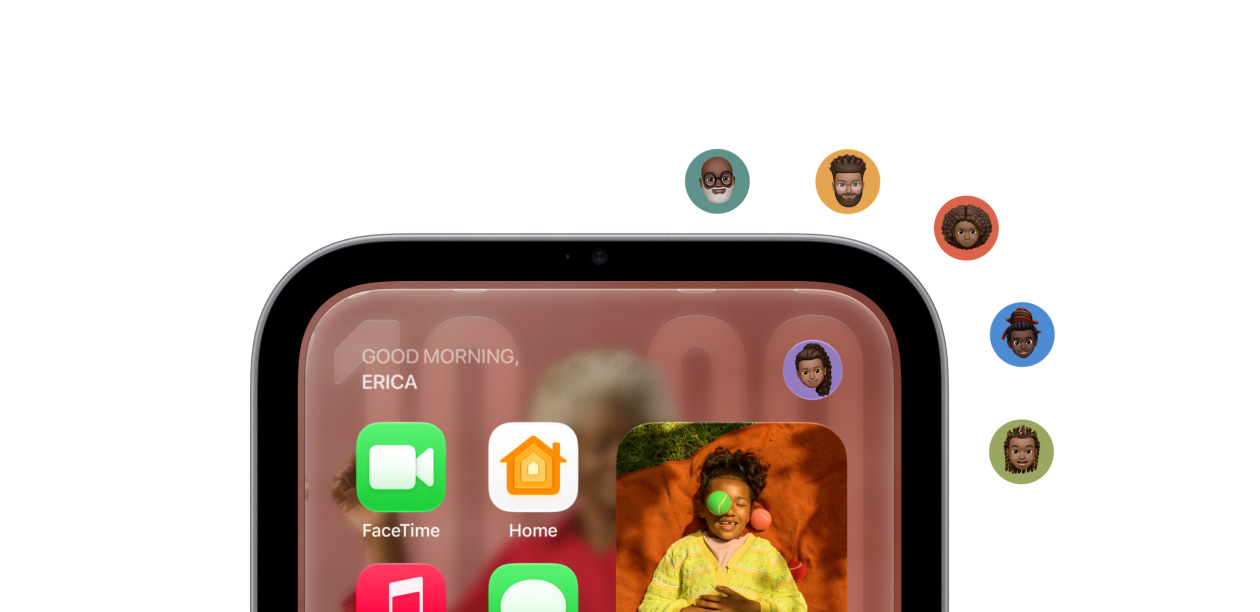
Recognizes up to six people and delivers
a personalized experience for each one.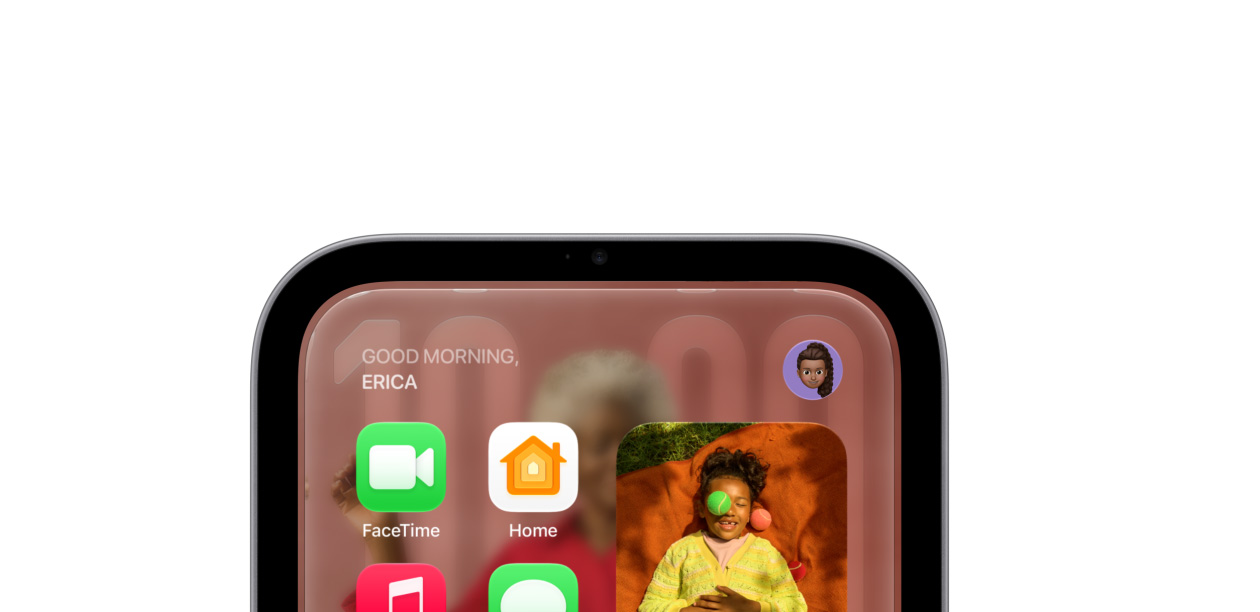
-
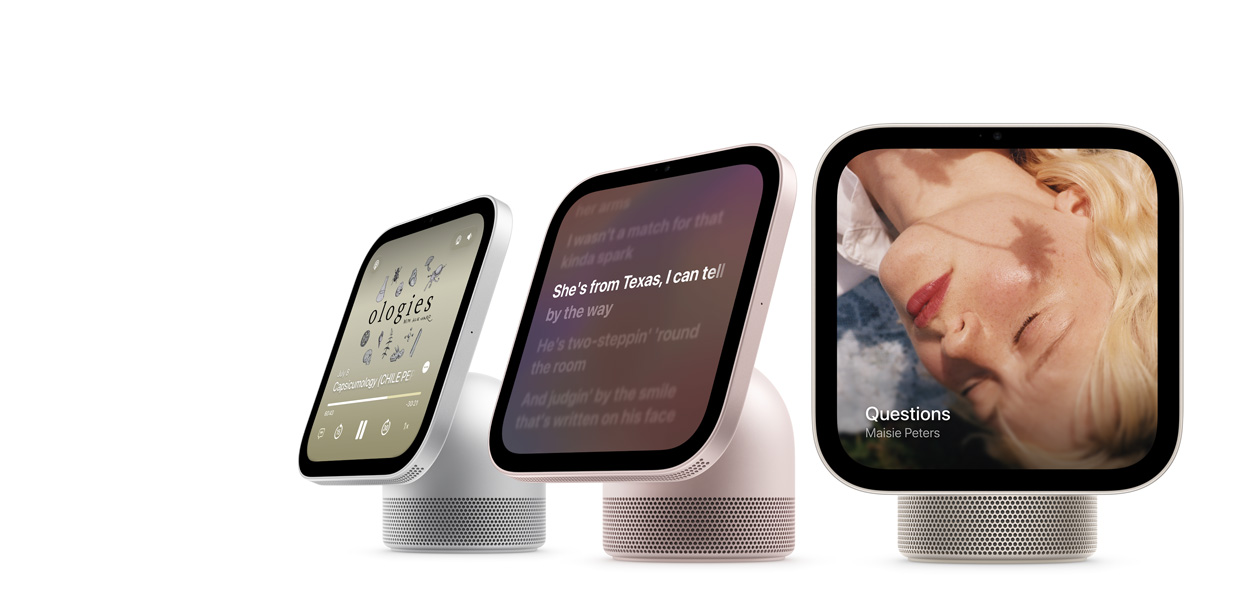
Incredible audio and stunning visuals for your music, videos, FaceTime, and photos.
-
Text back. Make a call. Wave hello.
So many ways to connect, even hands-free.
-
The ultimate dashboard
for your smart home.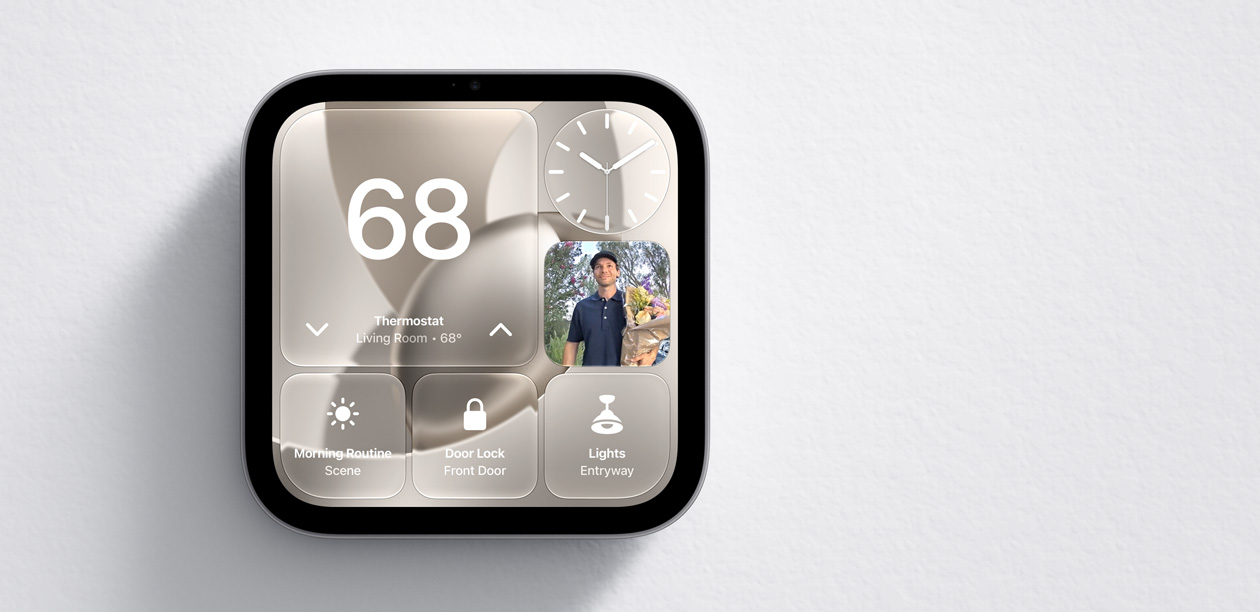
-
The privacy every home
and everyone deserves.



-
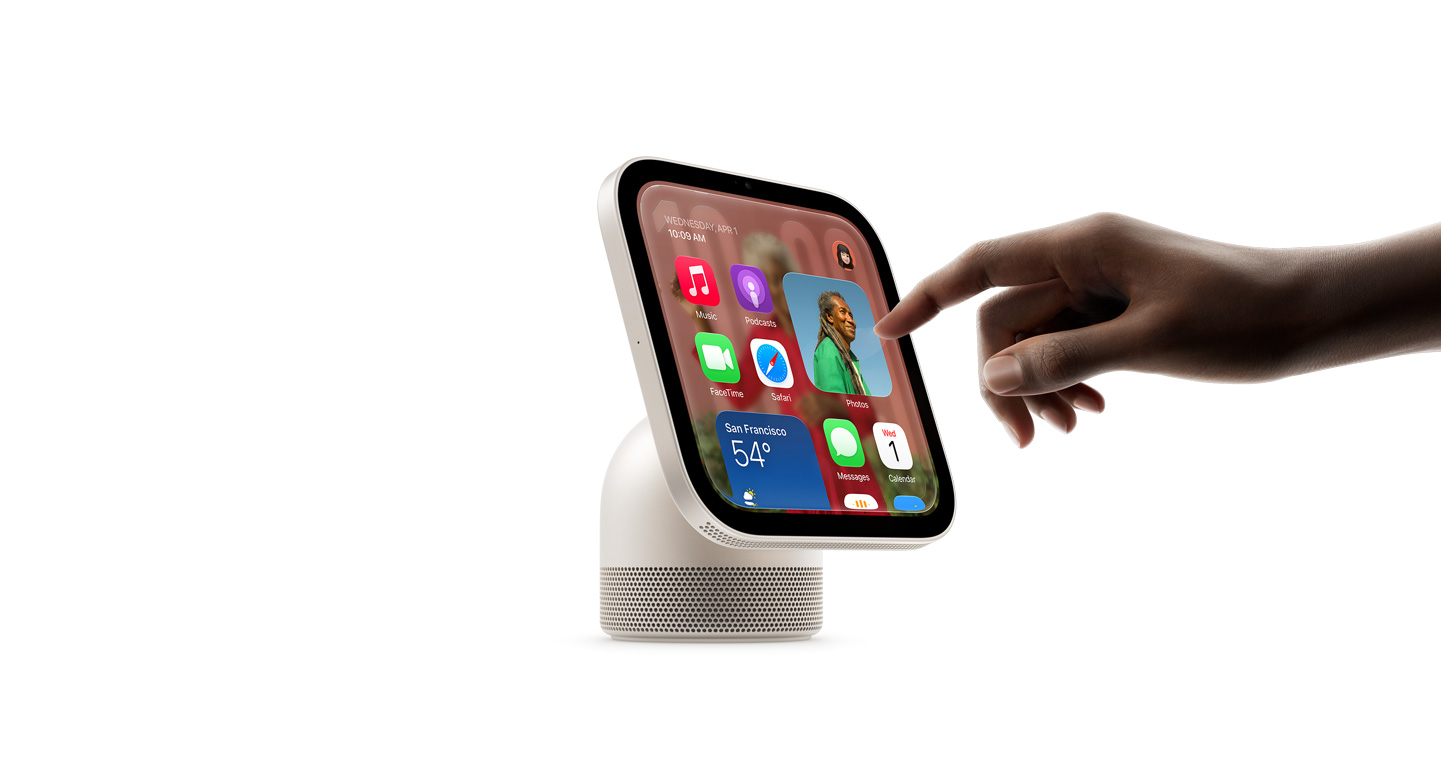
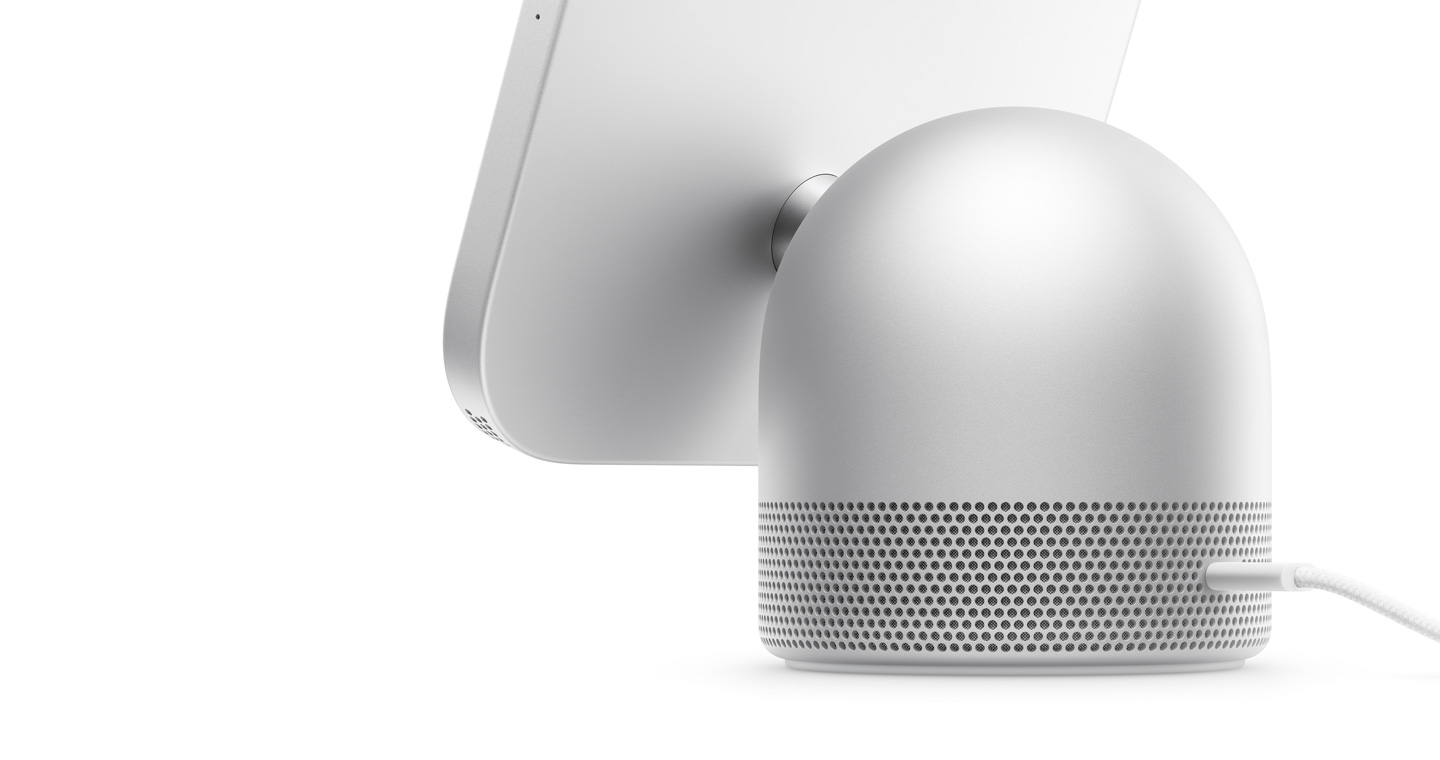
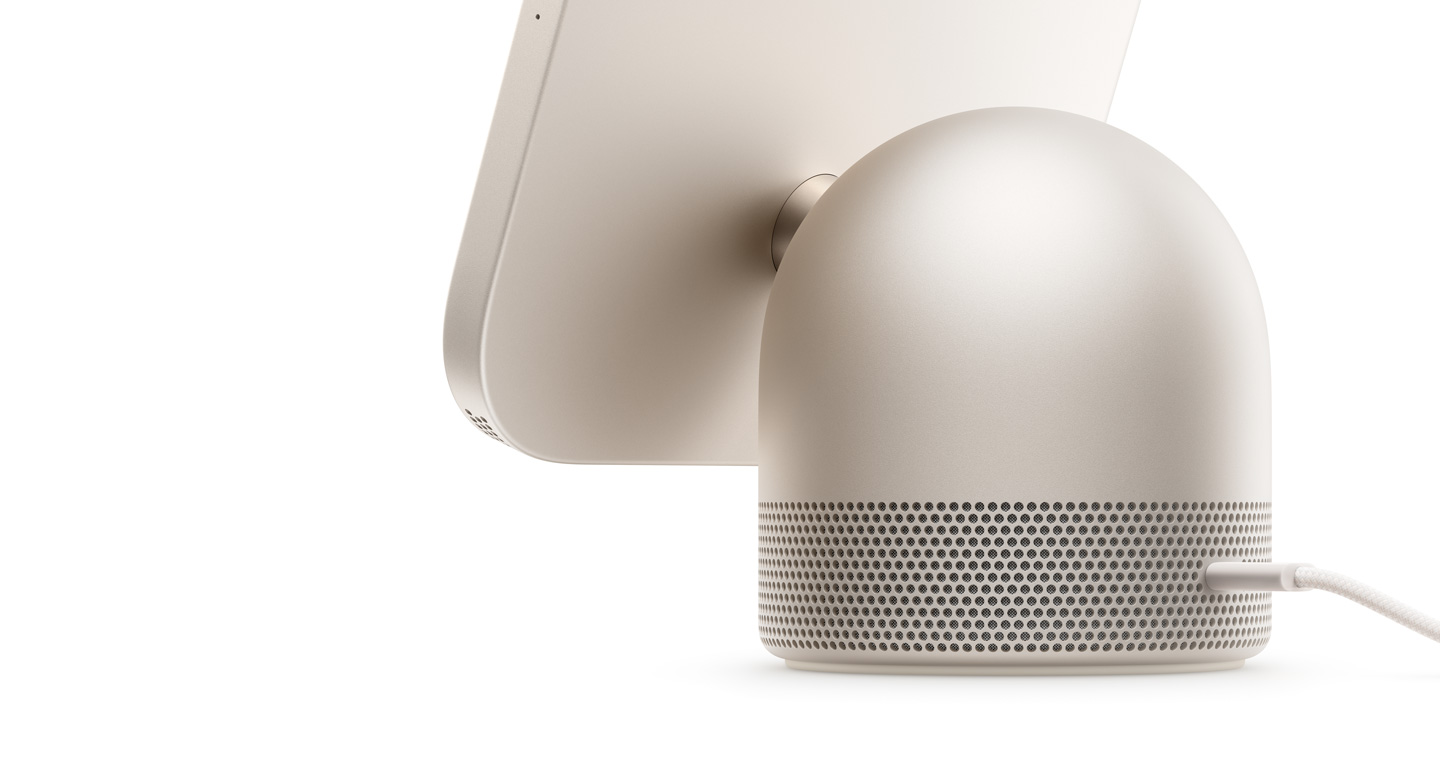
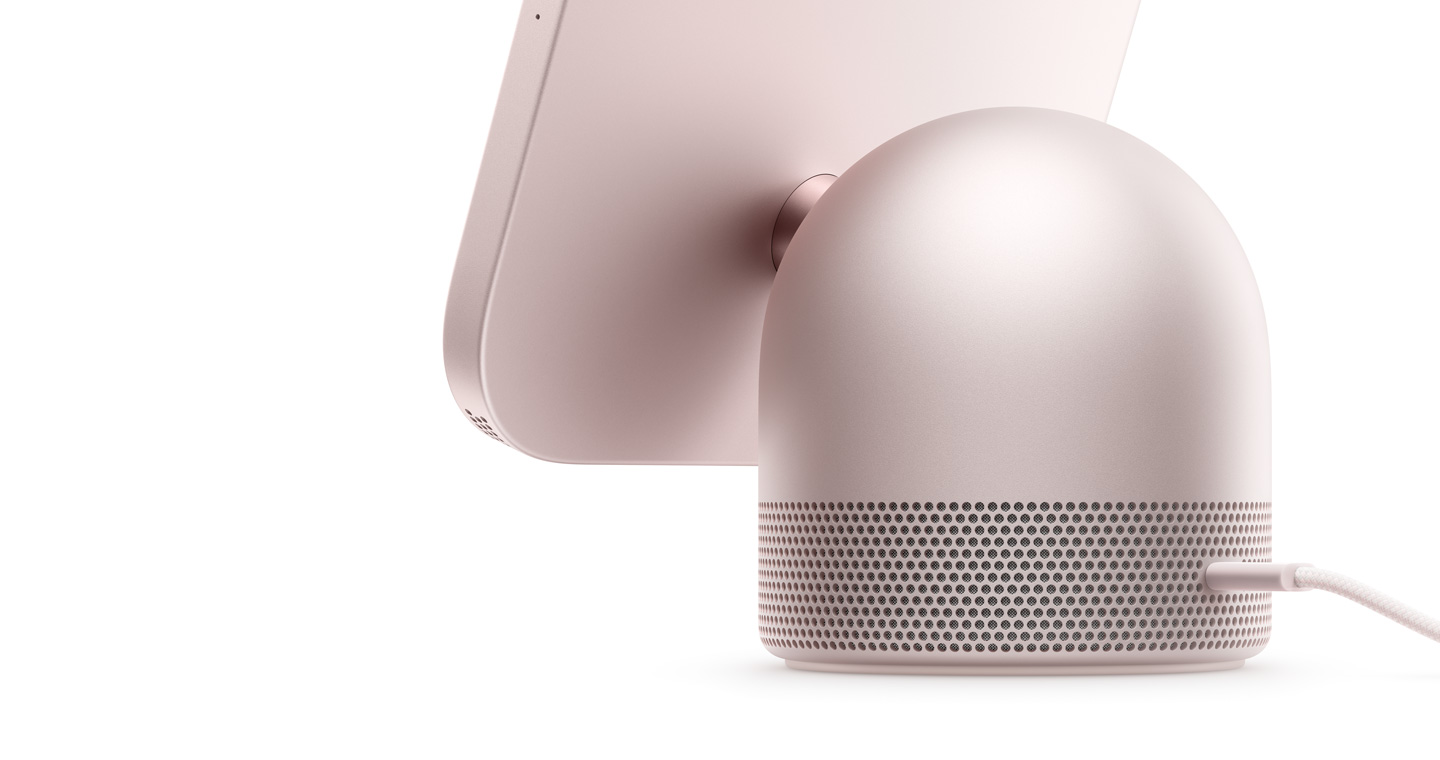
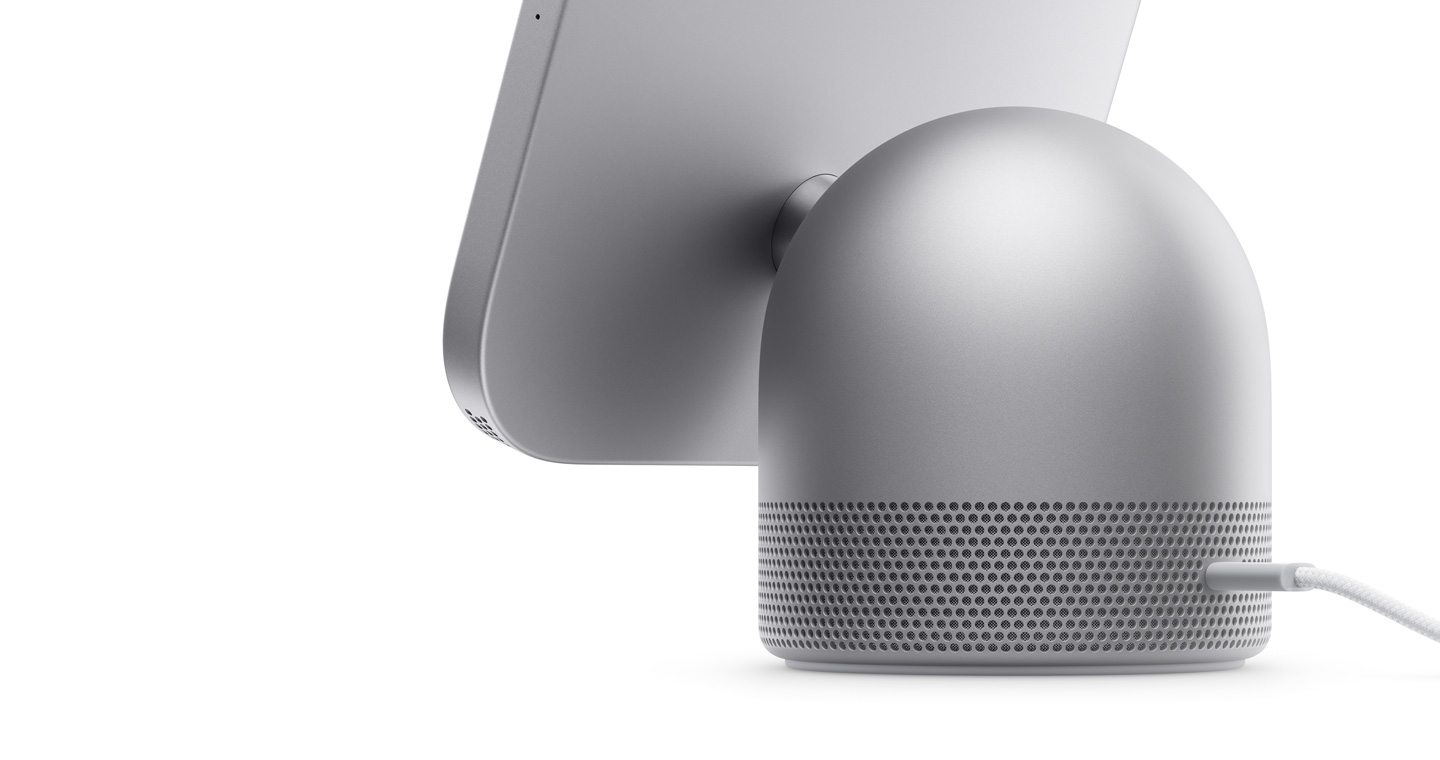
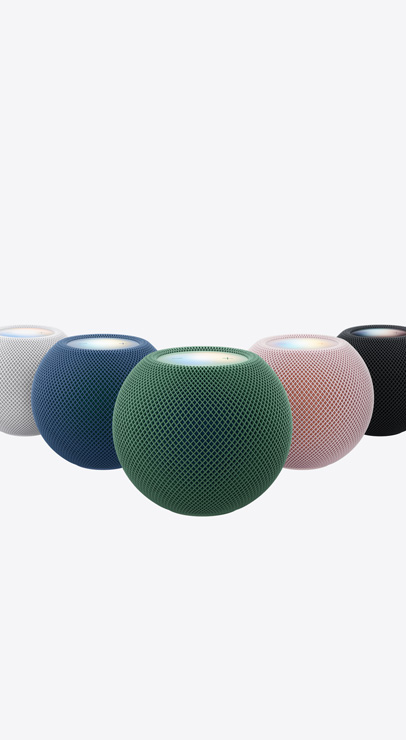
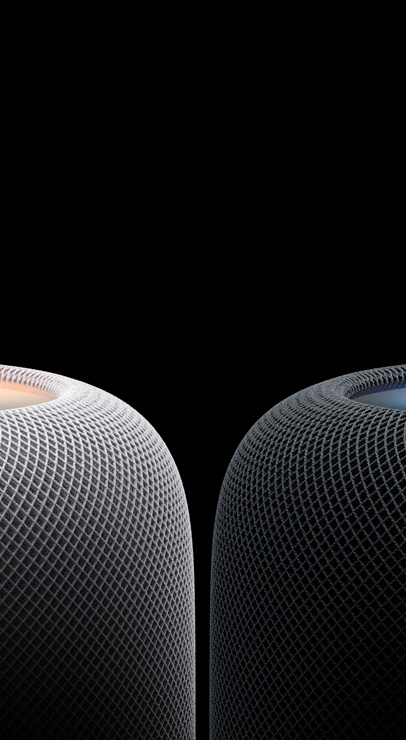
Design. The domed aluminum base is fitted with a stainless steel hinge that lets you adjust the display.2 Available in four colors. Shown in Silver.
Apple HomeView Design.- Silver
- Starlight
- Rose Pink
- Space Gray
-
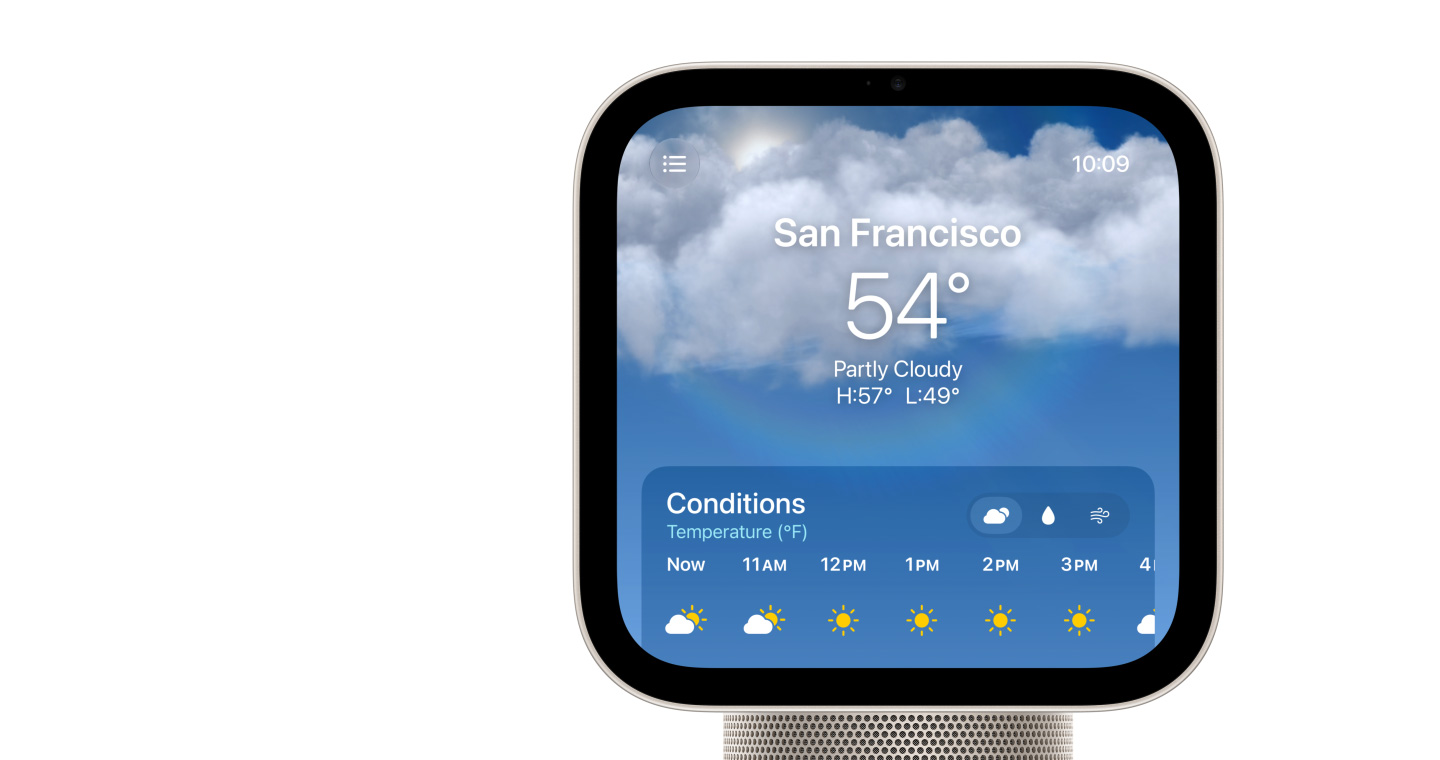
Display. The 7-inch Liquid Retina display includes True Tone for comfortable viewing in any light.3 Brightness ranges from 500 nits for sunny rooms to our lowest-ever 0.3 nits for the bedside. Select features respond to your proximity to show more information the closer you get.
-
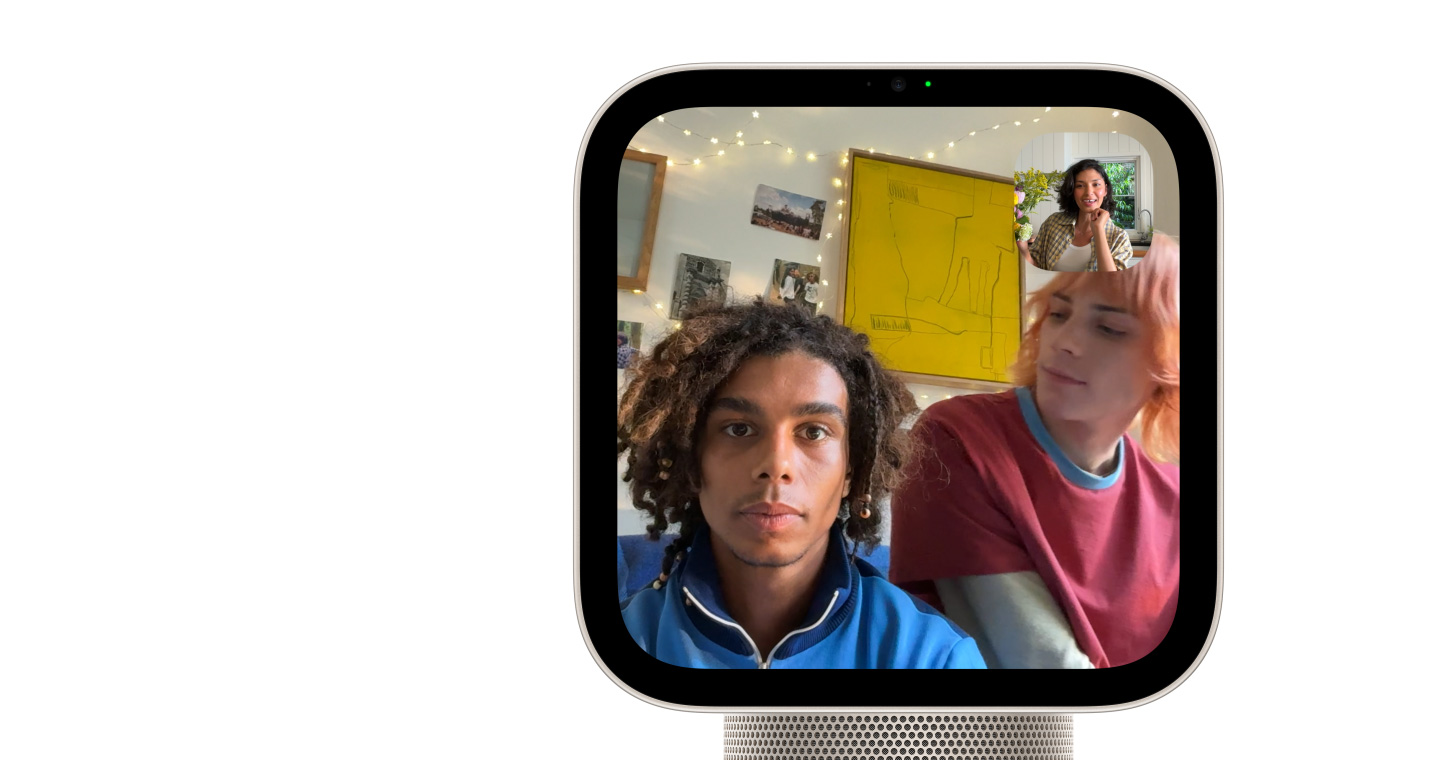
Camera. The 12MP Center Stage camera is perfect for video calls, keeping everyone centered in the frame even as they move around or when more people join in.
-
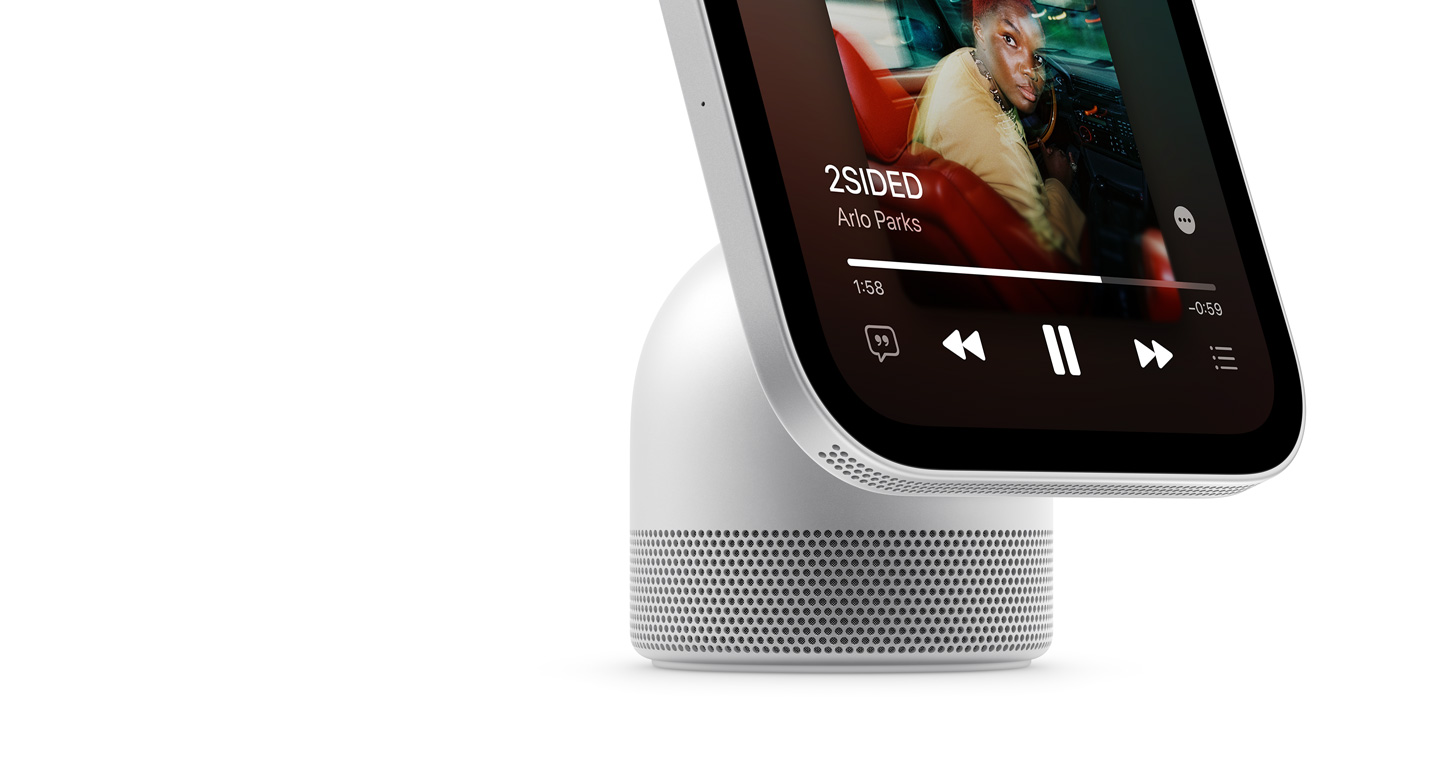
Mics and Speakers. Four beamforming microphones pick up voices near and far, perfect for Siri requests from across the room and crystal-clear FaceTime calls with reduced background noise. Powerful speakers in the base and display deliver Spatial Audio for rich, room-filling sound.4
-
Delights up
the house.
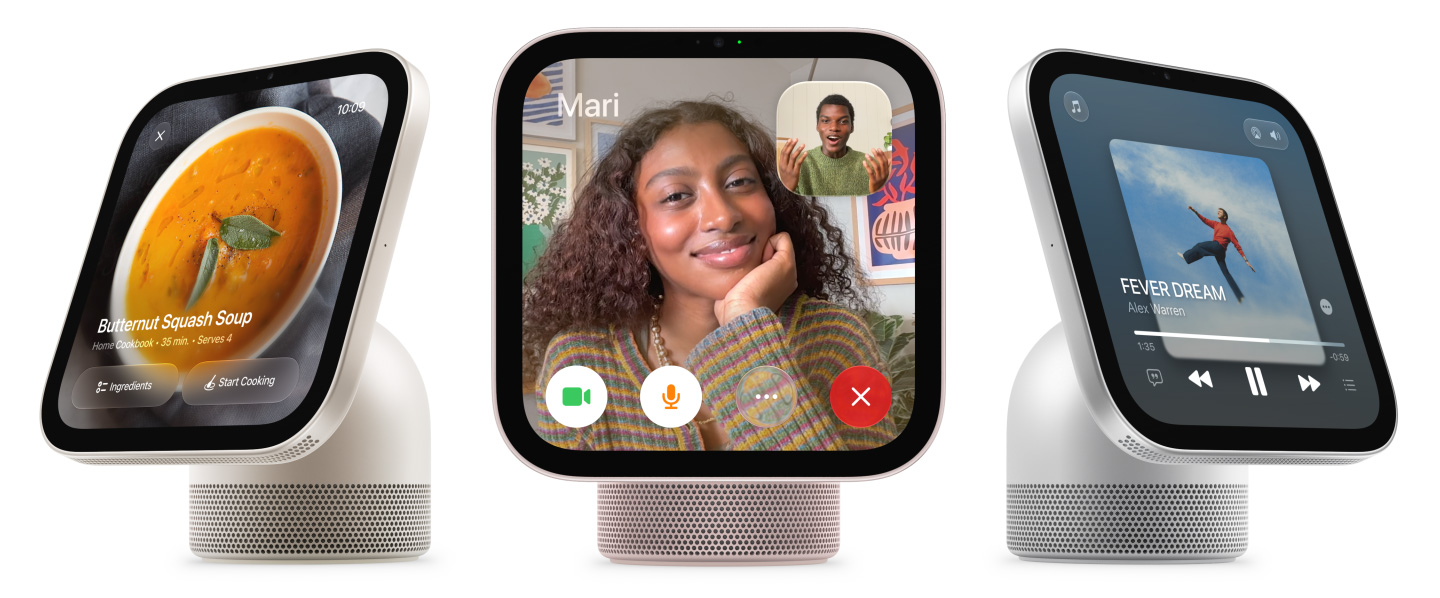
Apple HomeView is designed to bring more joy and convenience to everyone in your household. Siri AI comes built in for personalized AI assistance that’s truly useful in your everyday life. And with a vibrant display and powerful acoustics, your music, videos, and calls look and sound amazing. Meet the new heart of your home.
A perfect face for any space.
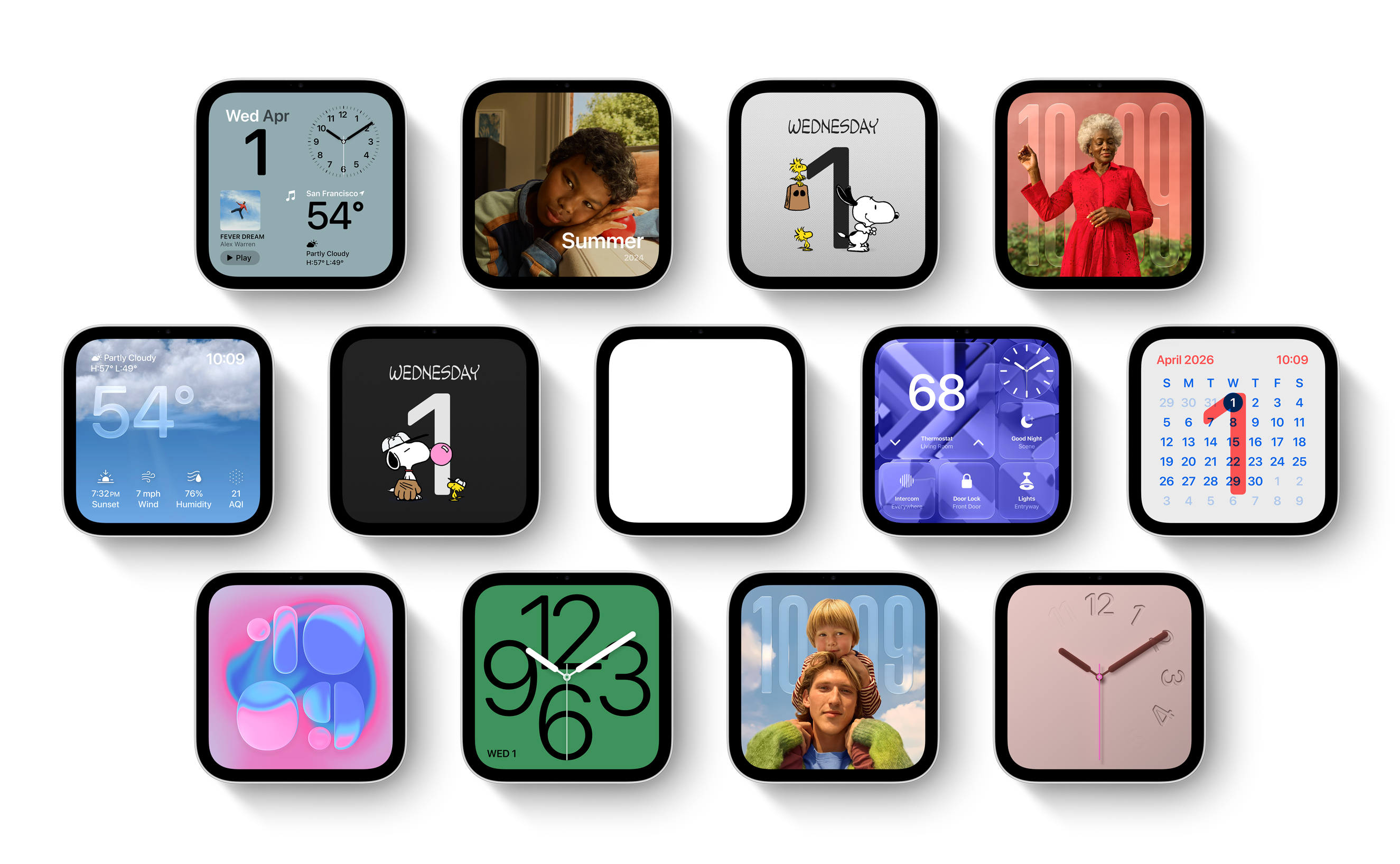
With a collection of customizable faces, Apple HomeView brings beauty to any room. Relive your favorite memories with the stunning Photos face. Choose playful faces like Snoopy or informative options like Calendar, Weather, and more. Even enjoy interactive artwork with the Flow face, which reacts to your movements with mesmerizing colors and light.



Digital picture frame.
Whether a single image or a rotating gallery, photos from your collections or shared albums are beautifully framed.

Dynamic faces.
Select faces change throughout the day. They wake with you in the morning, wind down with you at night, and more.
Meet Siri AI.
Your AI assistant.
More personal.
More powerful.
Siri AI, powered by Apple Intelligence, comes built into Apple HomeView to help you find what you need and get more done while protecting your privacy.1 Siri AI adapts to each person and surfaces what matters most to them — all they have to do is ask.
Available in English to start.
Usage limits may apply.
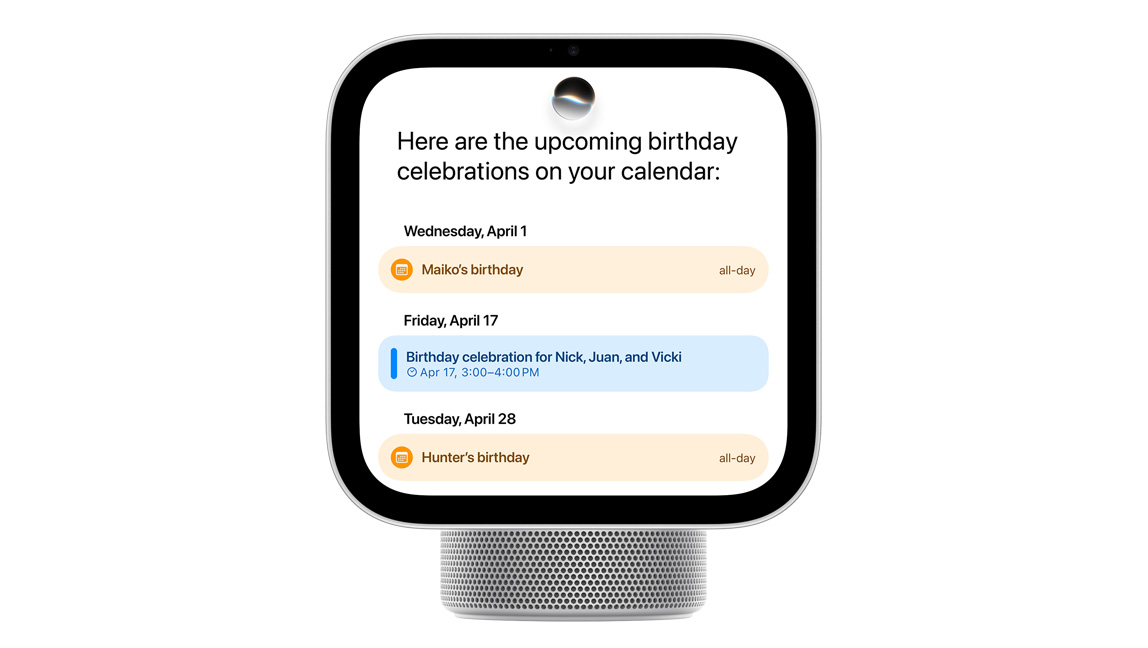
Personal Context
Relevant to you.
Pull up a party invitation from your calendar, find RSVPs buried in your messages, or play the perfect soundtrack to match the vibe. Siri AI works with your paired iPhone or iPad to find relevant content just for you.1
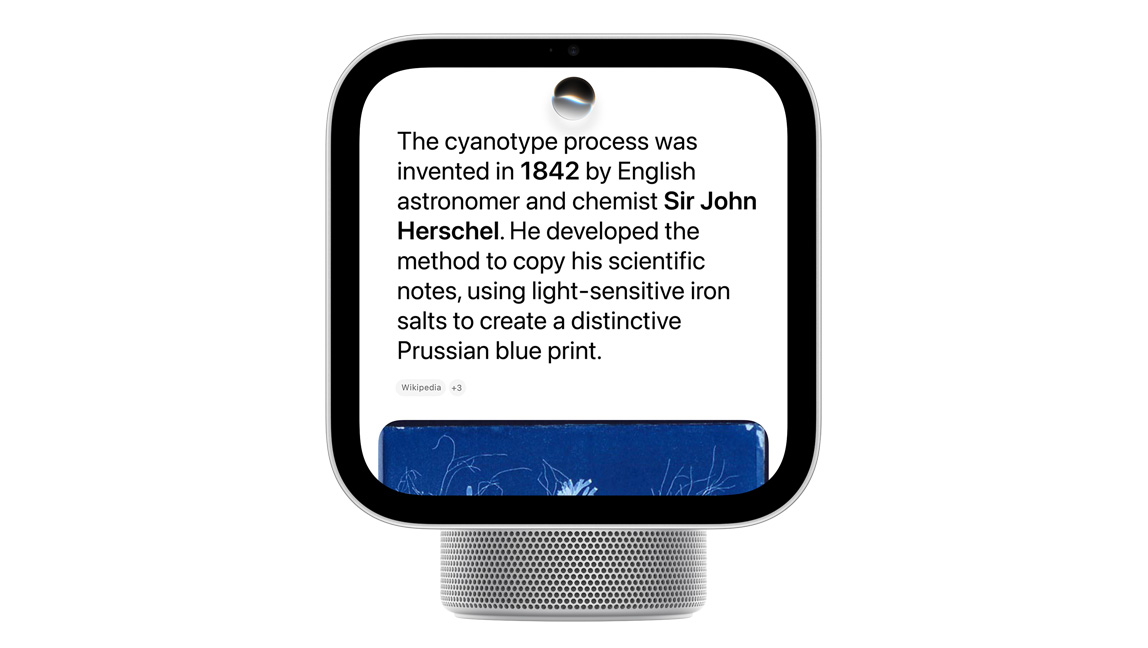
World Knowledge
Your little brainiac.
Ask about virtually any topic, from quick dinner recipes to DIY home repairs to game-night trivia. Siri AI taps into broad world knowledge to give you highly specific, up-to-date answers.
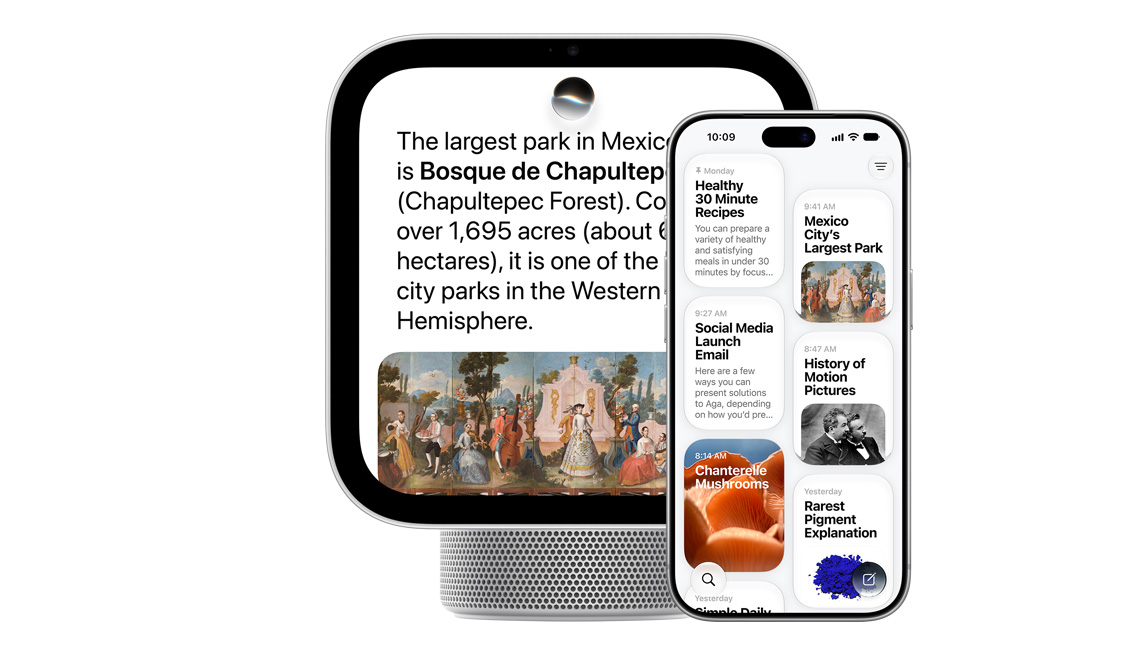
Seamless Experience
Carries the conversation.
Siri AI lets you ask open-ended questions and go back and forth with natural, rich conversations. And your conversations with Siri on HomeView sync to the Siri app on your other Apple devices so you can pick up where you left off.


Great powers come with great privacy.
Apple Intelligence is designed to protect your privacy at every step. It draws on your personal information without collecting it, and Private Cloud Compute — running on Apple silicon — handles requests without ever storing your data or making it accessible to anyone, including Apple. And because Apple HomeView is made to be shared, everyone’s personal information stays separate and secure.
Heaps of help at home.
Apple HomeView does the heavy lifting when you’re busy around the house. Check your calendar, set reminders, and stay on top of your to-do list. Pull up a quick crafting tutorial. Ask Siri AI to recommend a new coffee shop. Start and stop multiple timers for your chores, and keep an eye on them with Live Activities when you’re using other apps.
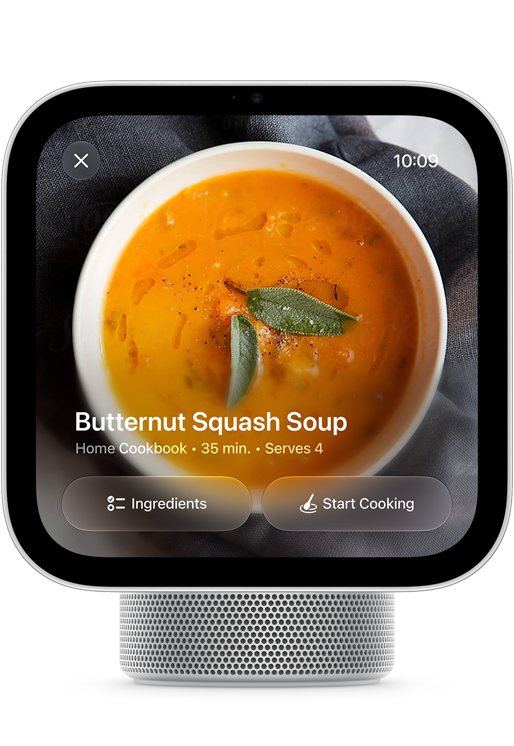
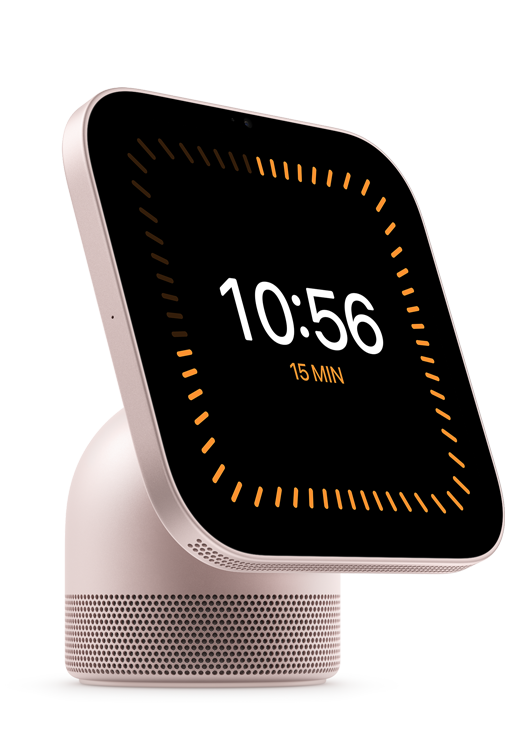

Cooking.
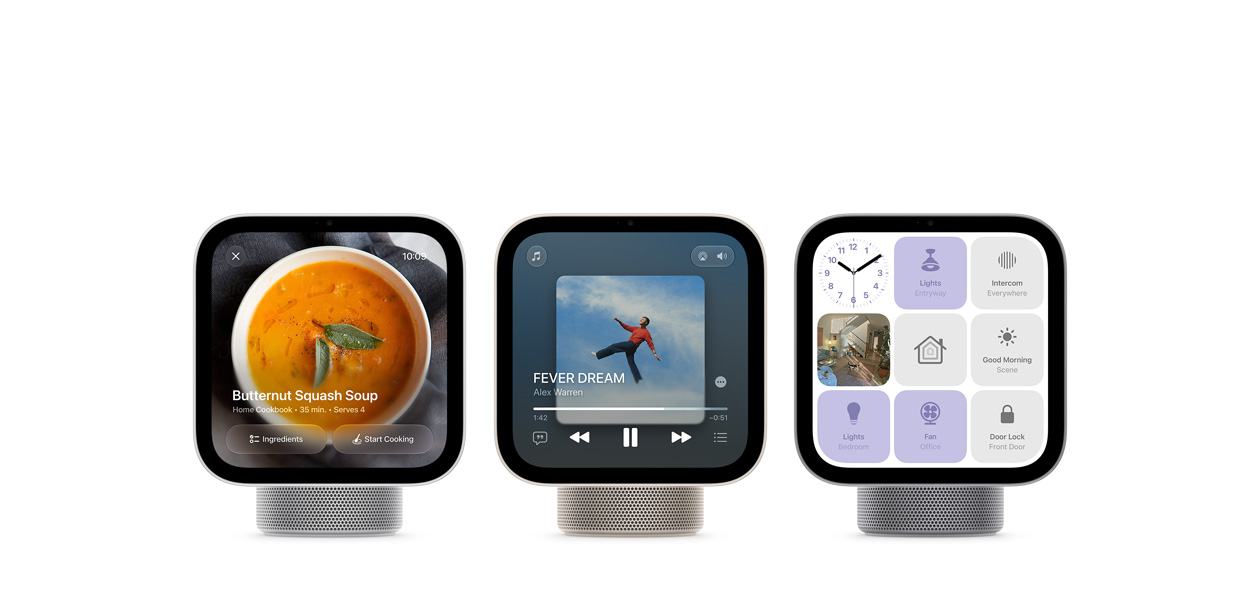
When you find a recipe in Safari, just tap the Start Cooking button to view a streamlined format that’s easy to follow.

Handoff.
Start a song, podcast, call, video, or recipe on iPhone, and continue on HomeView without missing a beat.
Made to be seen, heard,
and enjoyed.
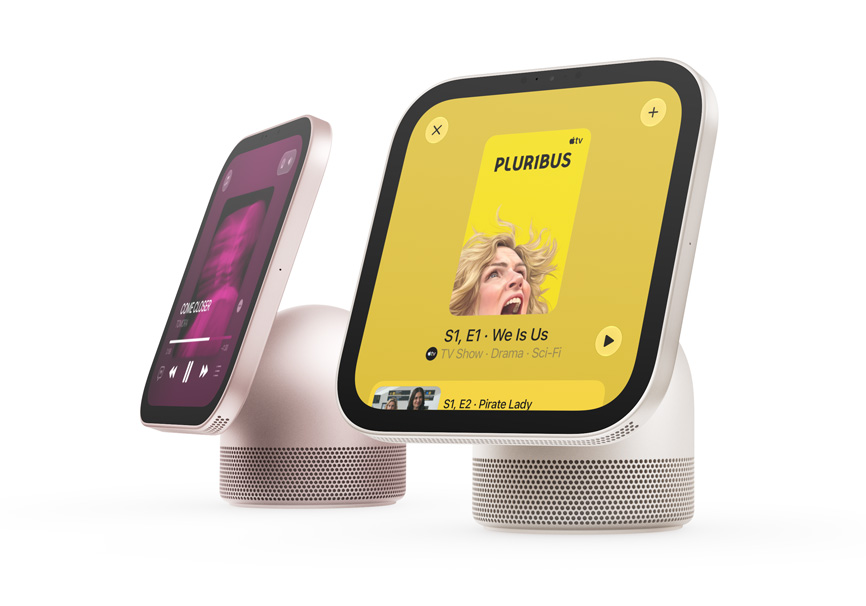
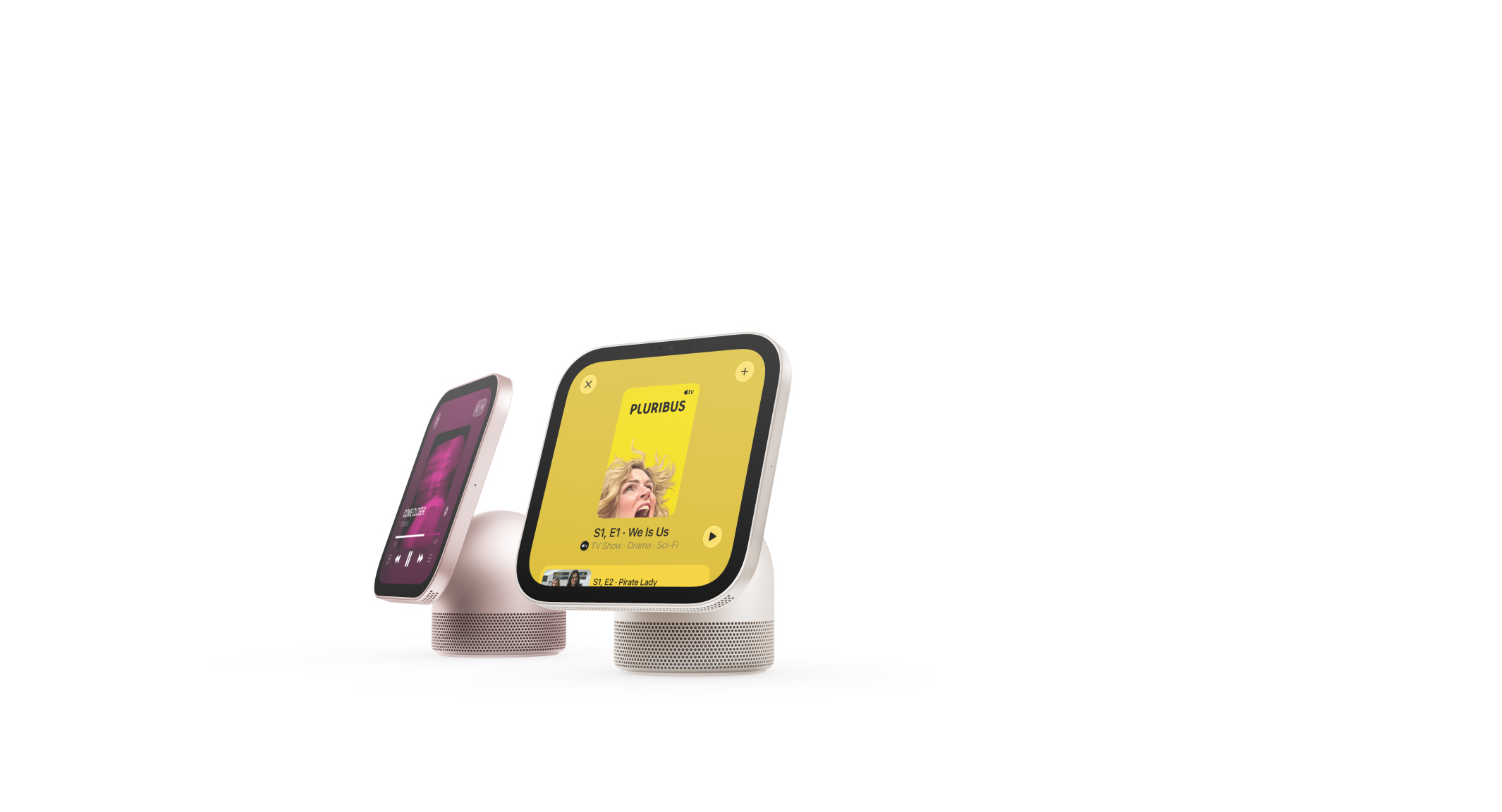
Apple HomeView keeps you engaged and entertained with music, podcasts, audiobooks, TV shows, and more. Have an impromptu sing-along. Immerse yourself in a good story. Keep an eye on the game while you do the dishes. With HomeView, there’s never a dull moment.


Astounding sound.
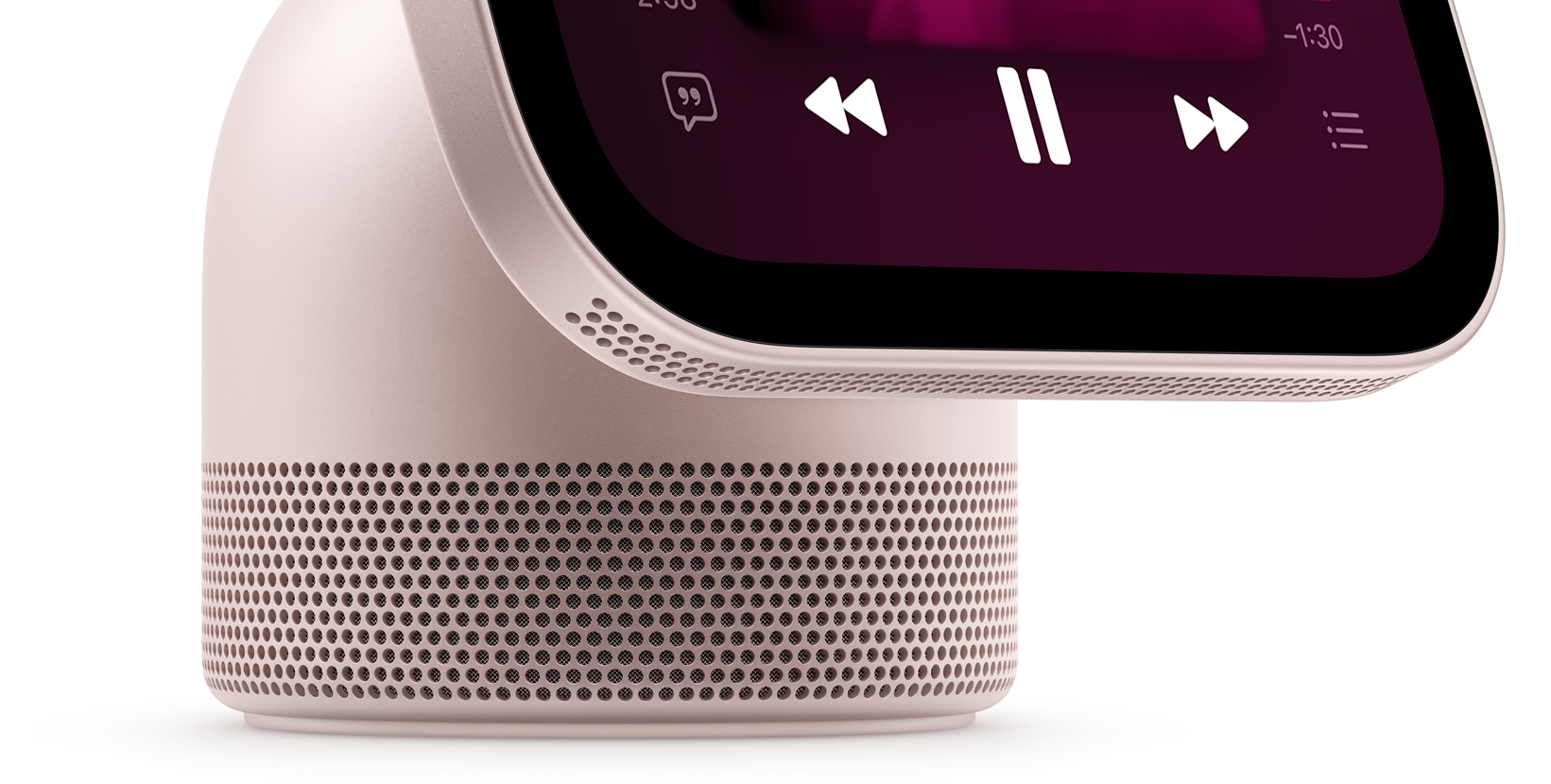
The mighty yet compact speakers pack a serious punch. Two custom full-range drivers in the display keep everything sounding crisp and clean while delivering room-filling Spatial Audio.4 Computational audio adjusts consistency and balance in real time to deliver incredible sound every time, from anywhere. And a down-firing woofer and two force-cancelling passive radiators are built into the base — for deep, rich bass.


Friends and family are just a screen away.
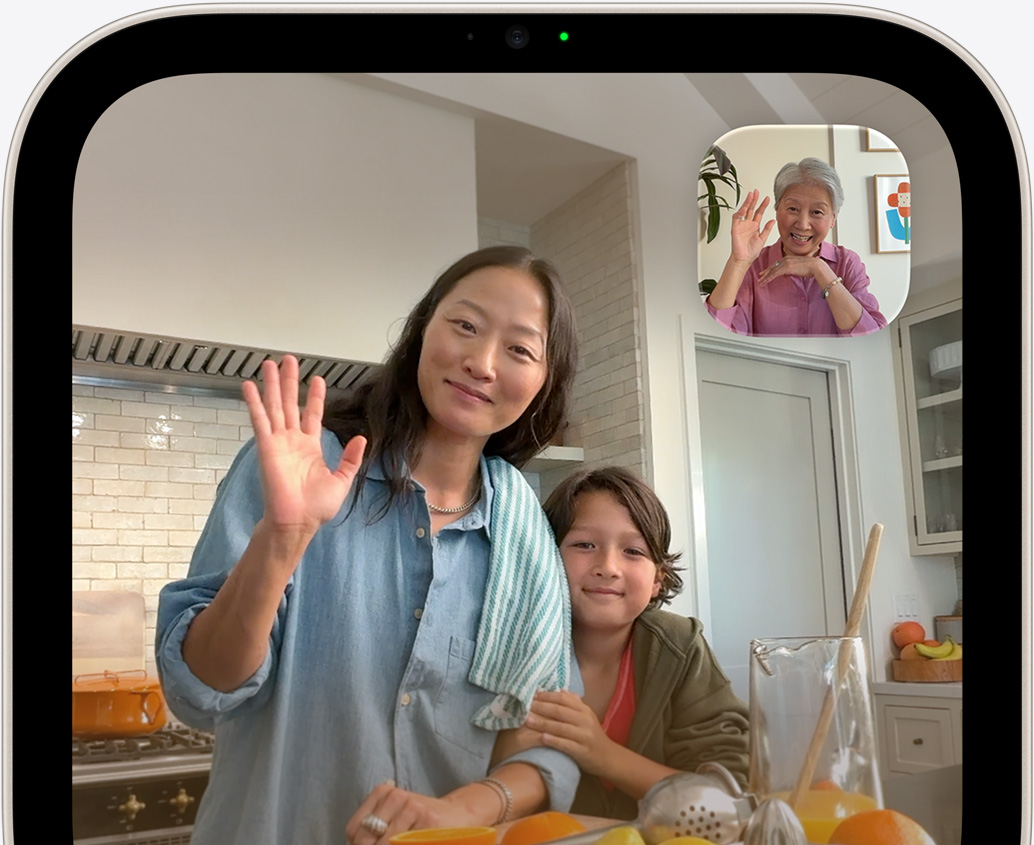
Whether you’re calling a friend abroad or calling the kids for dinner, Apple HomeView brings everyone together. Enjoy clear and hands-free FaceTime calls. Use Intercom on HomeView and HomePod speakers to communicate with people throughout the house or on their personal devices like iPhone, iPad, or Apple Watch. Send messages and make phone calls using just your voice. And use Find My to help you locate your devices, personal items that have an AirTag, and anybody who chooses to share their location with you.

Center Stage
keeps everyone in the frame during FaceTime calls, even as they move around or if more people join in.

The four-microphone array
picks up voices while reducing background noise, for clear calls and Siri requests.
Everything
connected
and under one roof.
Apple HomeView is a central hub for your smart home accessories, making it easy to keep things running smoothly. And with the new Apple Home Collection, it’s never been simpler to set up and control a connected home.

Integrated with the Home app.
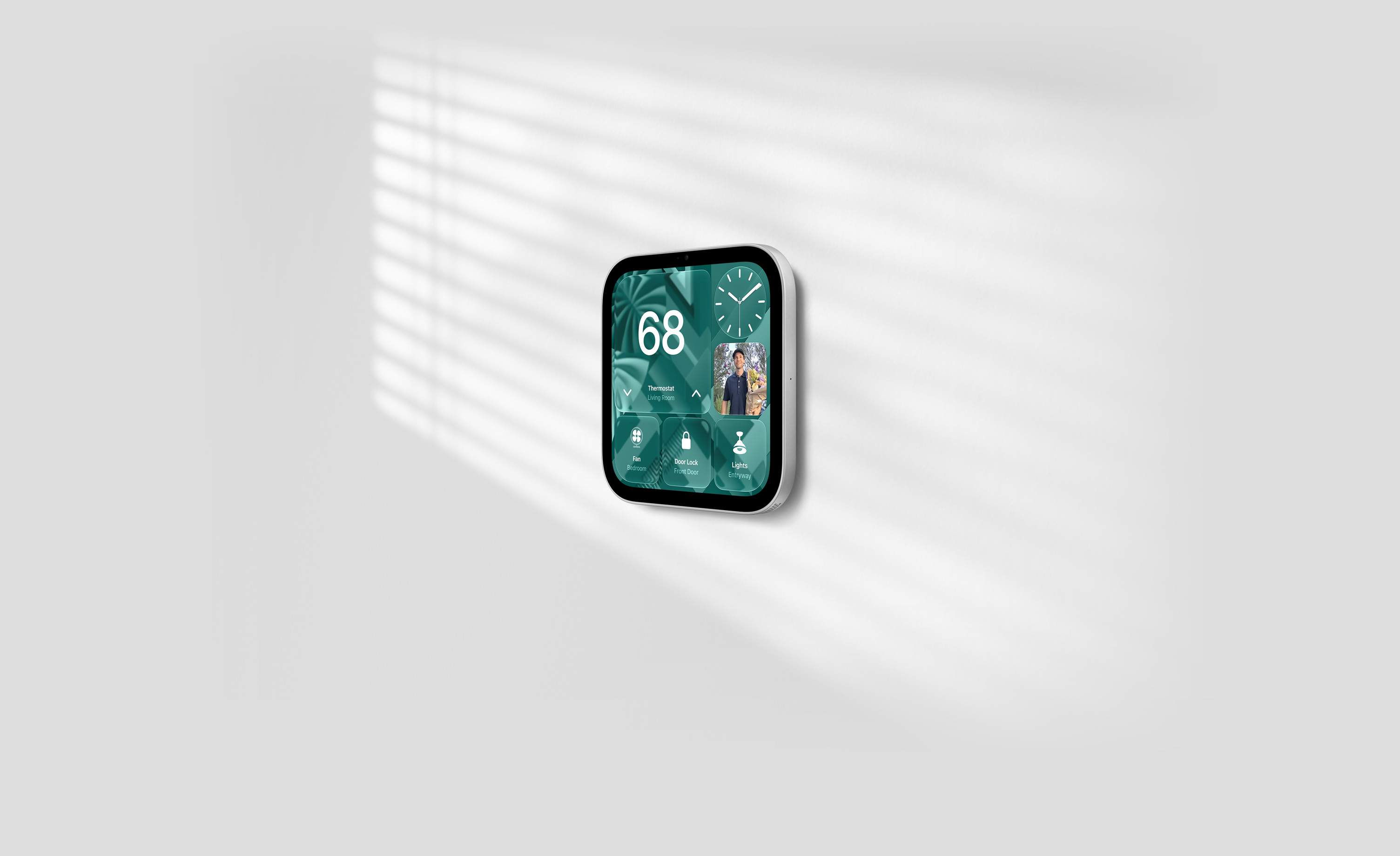
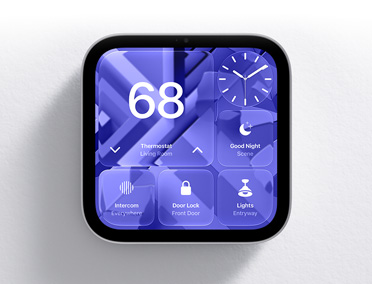
Built into HomeView and synced with your other Apple devices, the Home app keeps you on top of your smart home. See who’s at the door, monitor your entryway, access multiple video feeds, adjust the lighting and temperature, and control scenes and automations to fit the routines and rhythms of your household.11

See it all at a glance.
The Home Modular face gives you a clear and concise look at your home accessories, while the Home Camera face lets you stream up to nine videos at the same time. And you can manage it all with just your voice or a tap.

Enjoy peace of mind.
HomeView can detect the sounds of the smoke and carbon monoxide detectors in your home and alert you on your iPhone, iPad, or Apple Watch.

Stay caught up.
The Home app uses Apple Intelligence to group related notifications together, such as when a family member arrives home, unlocks the door, and disables the alarm. And with descriptions of video footage, you can use HomeView to catch up on key activity in and around the house.

Created for a better
smart home experience.
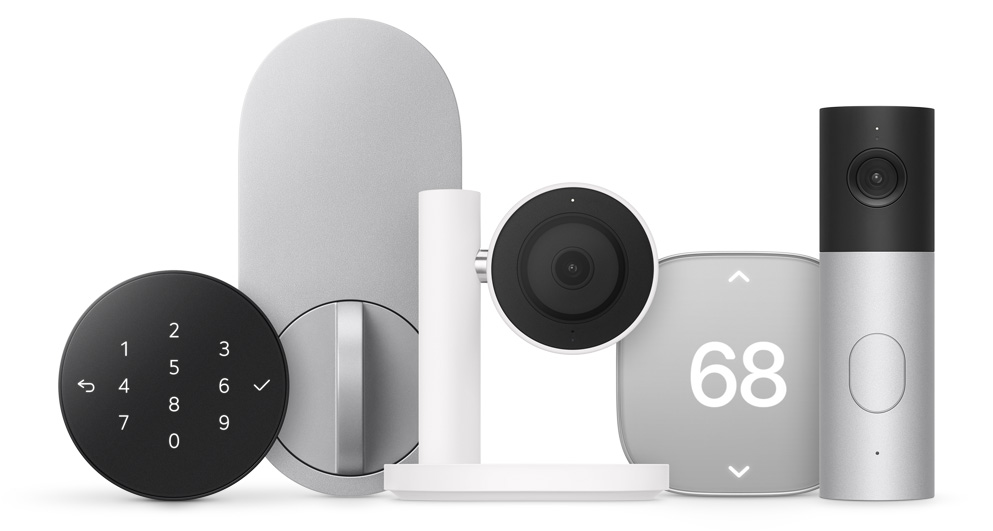
Designed in collaboration with Apple and select brands, Apple Home Collection accessories — including smart cameras, thermostats, and a door lock — are simple to set up, easy to use, and private with data that’s encrypted end-to-end in Apple Home. And they work seamlessly with your Apple devices.
Your data is
private property.
Apple HomeView comes with privacy protections built in at every step. Since multiple people can use HomeView, it’s designed to keep everyone’s personal content separate.

Multiple users.
HomeView can recognize up to six people and seamlessly switch between them. It syncs with each user’s iPhone or iPad and is designed to show their content only when they’re using HomeView.12

Secure Exclaves.
The A18 chip inside HomeView contains Secure Exclaves that process the camera and microphone feeds in a secure compartment that cannot be accessed by the operating system or by Apple. This enables HomeView to recognize the face and voice of each user without exposing the audio and visual data used for recognition to the operating system.

Personal content.
Users can access their personal content on HomeView when their paired iPhone or iPad is connected to the same Wi-Fi network and has been recently unlocked, and HomeView recognizes the person by face.
-
Guided Shopping
Shop live with a Specialist.
Let us help you find what you need and answer all of your questions, one on one, at an Apple Store or online.

Guided Shopping
Get help finding what’s right for you.
Specialists are here to answer your questions about all things Apple. Shop one on one with an Apple Specialist live, at an Apple Store or online.
Shop together with a Specialist -
Apple Card
Get 3% Daily Cash back at Apple.
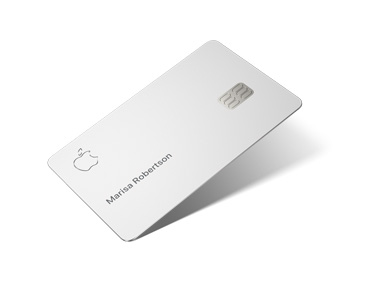
Apple Card gives you unlimited 3% Daily Cash back on everything you buy at Apple.*
Apple Card
Unlimited Daily Cash with Apple Card.
When you shop using Apple Card, you get a percentage of your purchase back in Daily Cash — not a month from now, but every day. Get 3% Daily Cash back when you shop at Apple whether it’s a new Mac, Apple HomeView, accessories, games from the App Store, or even a service like Apple Music or Apple TV.
Learn more, Apple Card -
Personal Setup
Get your new Apple HomeView set up with help from a Specialist.
From getting started to the latest features, get tips online in a free one-to-one session.

Personal Setup
Get your new Apple HomeView set up with help from a Specialist.
When you buy your new Apple HomeView directly from Apple, you’ll get access to Personal Setup. In these free online sessions, a Specialist can guide you through setup or focus on features that help you make the most of your HomeView. You can learn how to connect your home devices and add users to HomeView. Best of all, you can join whenever works for you, from wherever you are.
Learn more about your new Apple HomeView -
Installation
Need installation support?
Installation
Need installation support?
For help installing your Apple HomeView (Wall Mounted), Apple Home Collection accessories, and other eligible smart home accessories, ADT professional installation is available in most areas.
Learn more about installation -
Delivery and Pickup
Get flexible delivery
and easy pickup.Choose two‑hour delivery from an Apple Store, free delivery, or easy pickup options.
Delivery and Pickup
Flexible delivery and pickup options.
Get your new Apple products quickly and easily with two‑hour delivery from an Apple Store, free next‑day delivery, or convenient Apple pickup options.
Learn more, delivery and pickup options -
Apple Store App
Explore a shopping experience designed around you.
Use the Apple Store app to get a more personal way to shop.

Apple Store App
Shop in the Apple Store app, tailored specifically for you.
Get personalized product recommendations, compare models, access Your Saves, and track your orders. And opt in today to get updates on new products, promotions, flexible payment options, and store events.
Download the Apple Store appScan the QR code to get started.

-
HomeView is deeply integrated within the Apple ecosystem and features a stunning 7-inch Liquid Retina display and Apple‑engineered audio. Because multiple people can use HomeView, it is designed to keep everyone’s personal information separate.
Users can access their personal content like Messages and Calendar on HomeView when their paired iPhone or iPad is connected to the same Wi-Fi network and has been recently unlocked, and HomeView recognizes the person by face.
The A18 chip inside HomeView contains Secure Exclaves that process the camera and microphone feeds in a secure compartment that cannot be accessed by the operating system or by Apple. This enables HomeView to recognize the face and voice of each user without exposing the audio and visual data to the operating system.
-
HomeView delivers room-filling sound with support for Spatial Audio, making it a great way to enjoy music and podcasts at home. Its custom-engineered acoustic system combines a down-firing woofer and two full-range drivers to produce deep bass and crisp highs. Powered by the A18 chip and built-in sensors, computational audio continuously optimizes the loudness and bass response at any volume.
HomeView (Wall Mounted) brings full, balanced sound with two custom drivers and computational audio tuned specifically for on-wall placement, along with support for Spatial Audio.
-
HomeView will be available on apple.com, in the Apple Store app, and from select partners. You can see it in person at all Apple Store locations. You can also book a session to shop with a Specialist in-store or online. Learn more.
Subject to availability by partner. -
HomeView is powered by Apple Intelligence. It features Siri AI — a more personal and powerful AI assistant powered by the A18 chip. With broad world knowledge, anyone in the home can ask Siri about virtually any topic. When paired with an Apple Intelligence-enabled iPhone or iPad, Siri can do even more for each recognized user, like taking action across apps and drawing on personal context to help with everyday tasks.
-
To unlock a full, personalized experience on HomeView, users need an Apple Account, a compatible iPhone or iPad, and to be added as a member of the shared home in the Home app. However, guests and unrecognized users can still easily interact with HomeView to control smart home accessories, check the weather, set timers, and play music — all without accessing anyone’s personal information.
-
Thousands of smart home accessories are compatible with HomeView and Apple Home products. Just look for the Works with Apple Home logo. Lights, locks, cameras, and much more are available. You can also automate many tasks and control all your accessories from the Home app on your Apple devices.
Discussion (0)
Sign in to join the discussion. Free account, 30 seconds — email code or GitHub.
Sign in →No comments yet. Sign in and be the first to say something.