Manage Vercel Container Registry with Vercel CLI
Mirrored from Vercel — AI for archival readability. Support the source by reading on the original site.
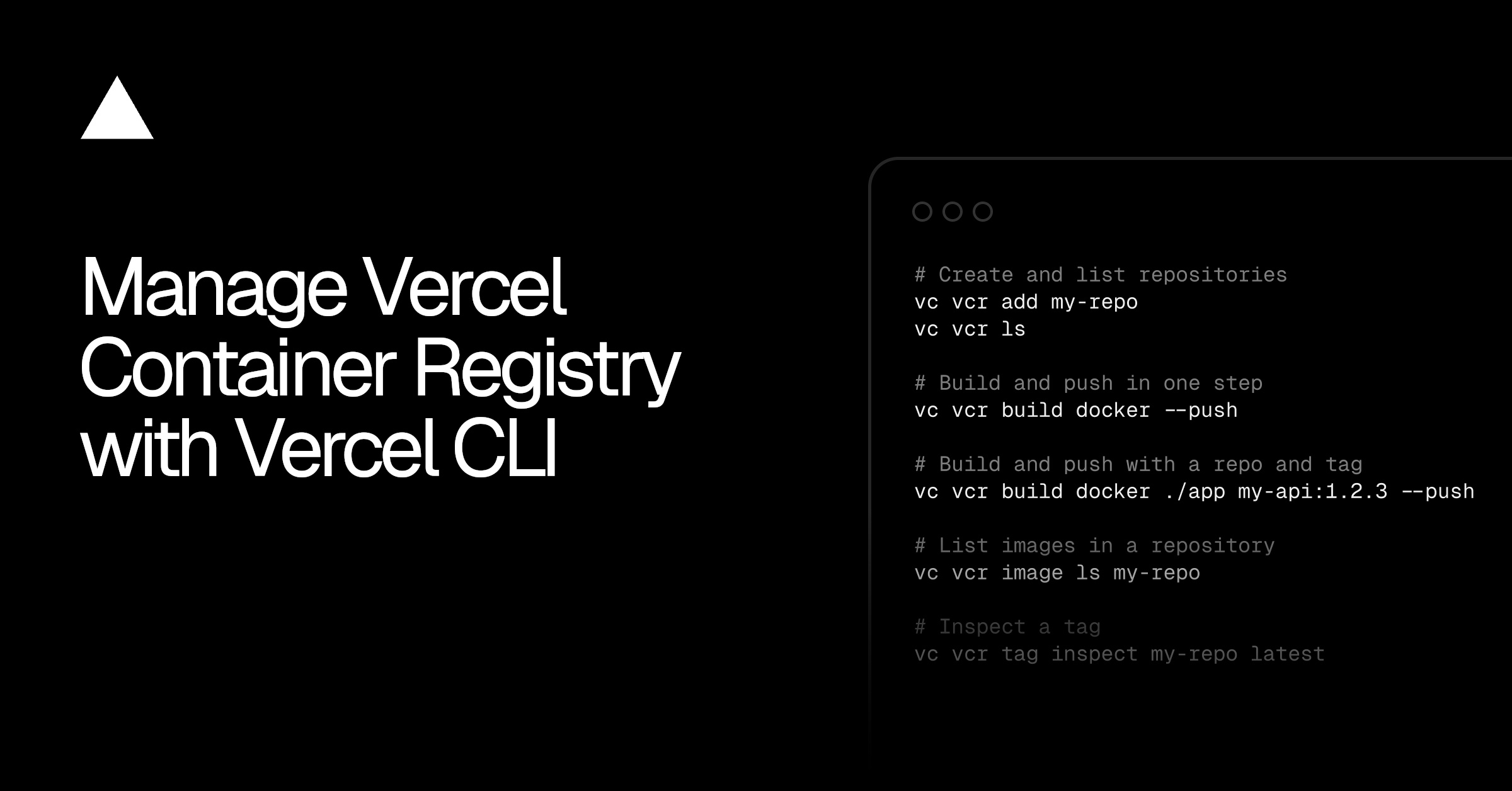
You can now manage Vercel Container Registry with Vercel CLI. The new vercel vcr command group lets you:
Connect your existing container tooling
Build and push images in one step
Create and inspect repositories, images, and tags
Authenticate your container tooling, such as Docker, Podman, or Buildah, with a short-lived token scoped to your project. Then build and push:
# Authenticate Docker with the registryvercel vcr login docker
# Build the current directory and push it in one stepvercel vcr build docker --push
# Build and push with a repository and tagvercel vcr build docker ./app my-api:1.2.3 --push
Authenticate Docker, then build and push an image to the registry.
The credentials go to Docker itself, so your existing tooling can push to VCR with standard commands:
docker push vcr.vercel.com/my-team/my-project/my-repository:latestPush an image to the registry with the standard Docker CLI.
Repositories are created automatically the first time you push, or explicitly with vercel vcr add. From there, you can list what's stored and inspect individual images and tags:
# Create and list repositoriesvercel vcr add my-repositoryvercel vcr ls
# List images in a repository, or only untagged onesvercel vcr image ls my-repositoryvercel vcr image ls my-repository --untagged
# Inspect a tagvercel vcr tag inspect my-repository latest
Repository, image, and tag commands in the vercel vcr group.
Update to the latest Vercel CLI with pnpm i -g vercel@latest and read the Container Registry docs to get started.

Discussion (0)
Sign in to join the discussion. Free account, 30 seconds — email code or GitHub.
Sign in →No comments yet. Sign in and be the first to say something.