Scaffold your chat apps with create-chat-sdk
Mirrored from Vercel — AI for archival readability. Support the source by reading on the original site.
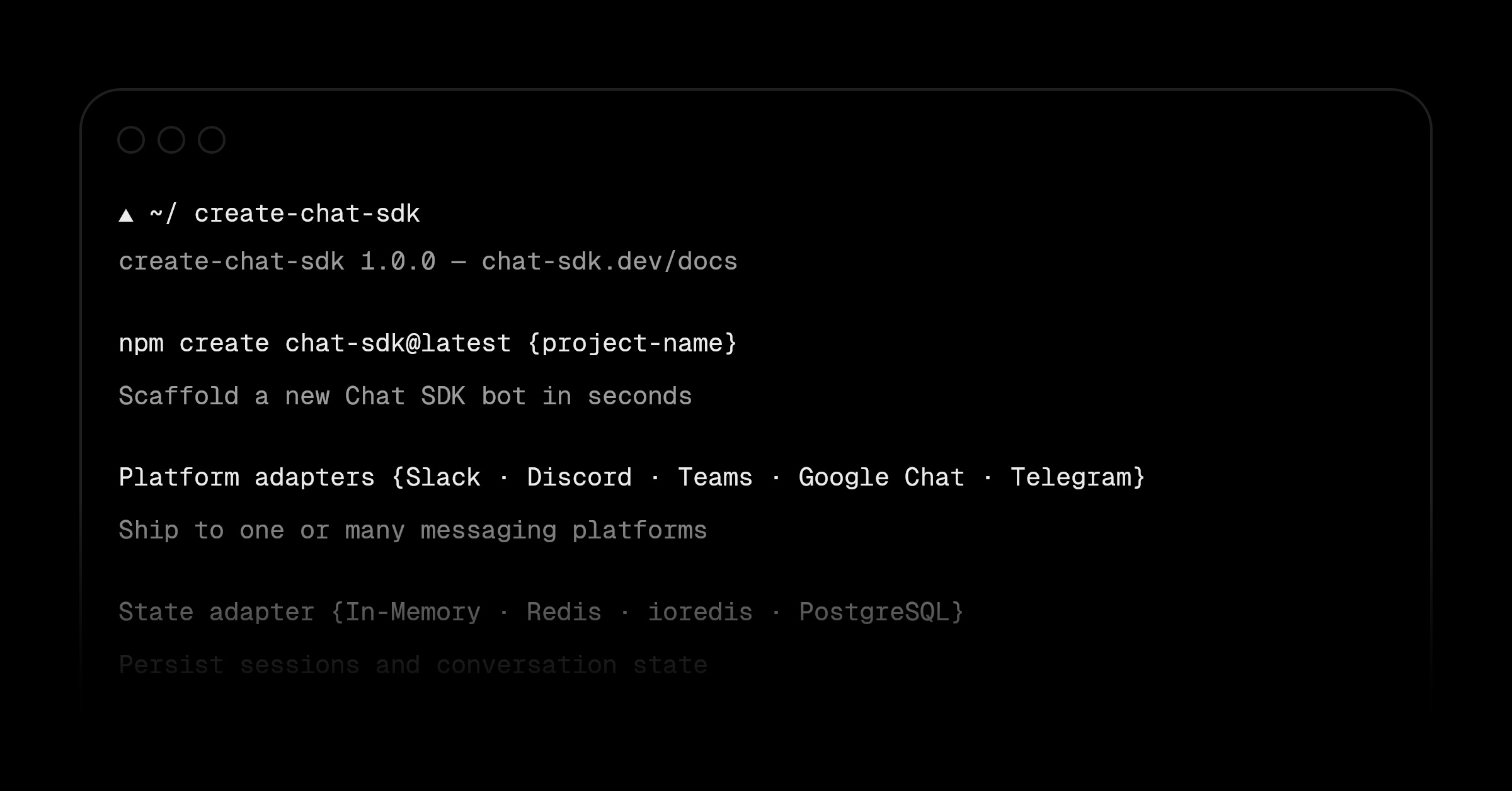
Creating a new Chat SDK bot now takes a single command.
create-chat-sdk scaffolds a complete Next.js project with your chosen platform adapters, a state adapter, environment variables, and a webhook route.
npm create chat-sdk@latest vercel-botThe CLI walks you through selecting your platform adapters (e.g., Slack and Discord) and a state adapter (e.g., Redis), then installs the dependencies for you.
Everything wired up:
src/lib/bot.tswithonNewMentionandonSubscribedMessagehandlers, a populated.env.example, and a pre-configurednext.config.ts.Pick your stack: combine any of the official or vendor-official platform and state adapters into a single project. The CLI installs only what you select.
Fully scriptable: every prompt can be skipped with flags, so
create-chat-sdkworks with your AI agents and in CI. Coding agents are automatically detected, so the CLI runs non-interactively when they scaffold your application.
For example, scaffold a Slack and Discord bot with Redis in one command:
npm create chat-sdk@latest -- vercel-bot -d 'My Vercel bot' --adapter slack discord redis -yqRead the documentation to get started.
The Complete Guide to Chat SDK
Learn how Chat SDK works end-to-end: from core concepts to building your first bot to deploying it across Slack, Teams, and more.
Read the guide
Discussion (0)
Sign in to join the discussion. Free account, 30 seconds — email code or GitHub.
Sign in →No comments yet. Sign in and be the first to say something.